EntertainmentFree Tool

Event Countdown Timer

Build urgency for planning by creating a countdown to your event date. Use it to manage planning milestones such as quote requests, headcount updates, itinerary review, and final payment reminders.

Event Countdown Timer Planning Examples

These representative transportation images provide visual context while you use the Event Countdown Timer. Exact vehicles, layouts, amenities, accessibility equipment, luggage space, and availability require live review and written confirmation.

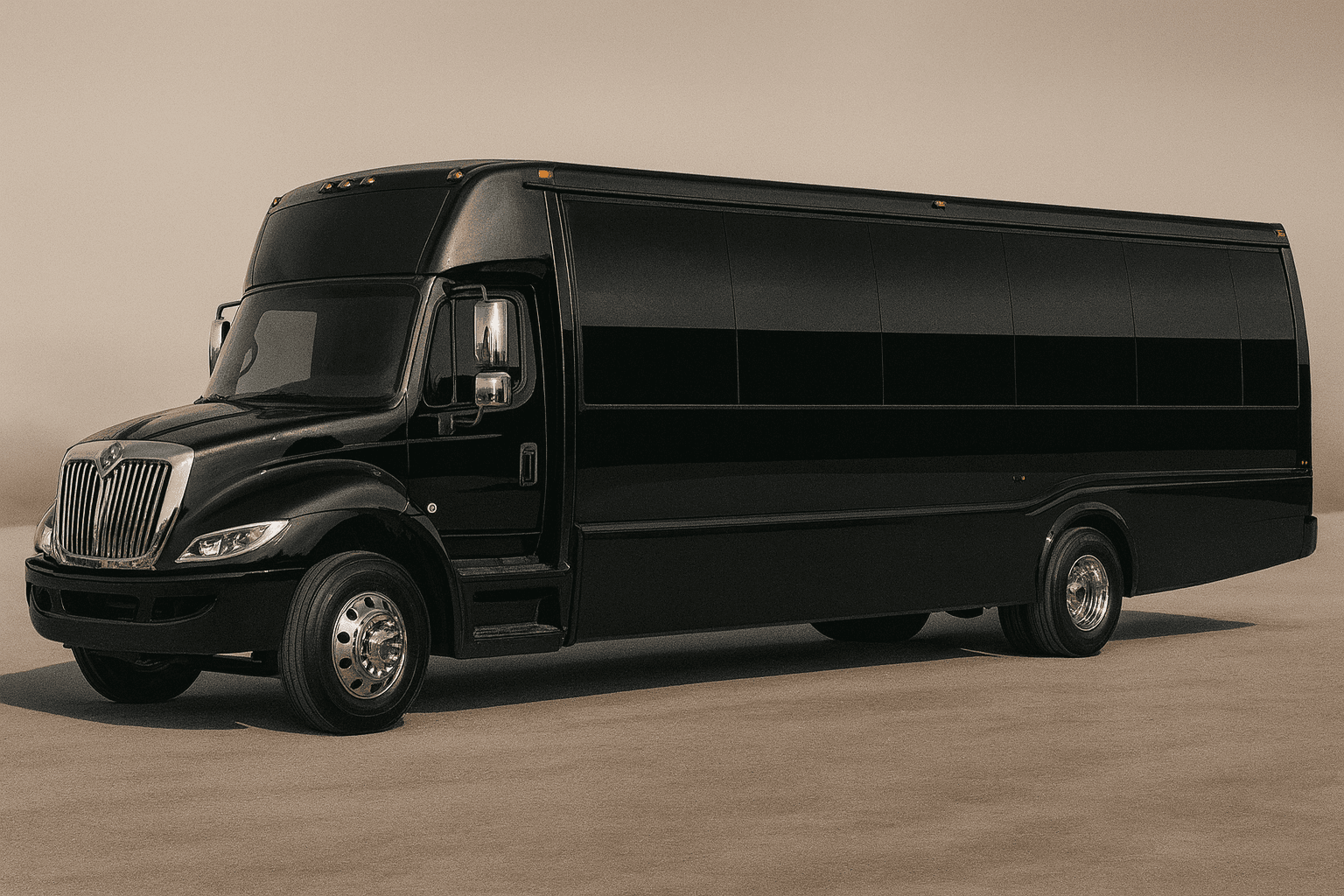
Representative mid-size party bus exterior for group transportation planning
Party bus category
Representative stretch limousine exterior for formal group transportation
Limousine category
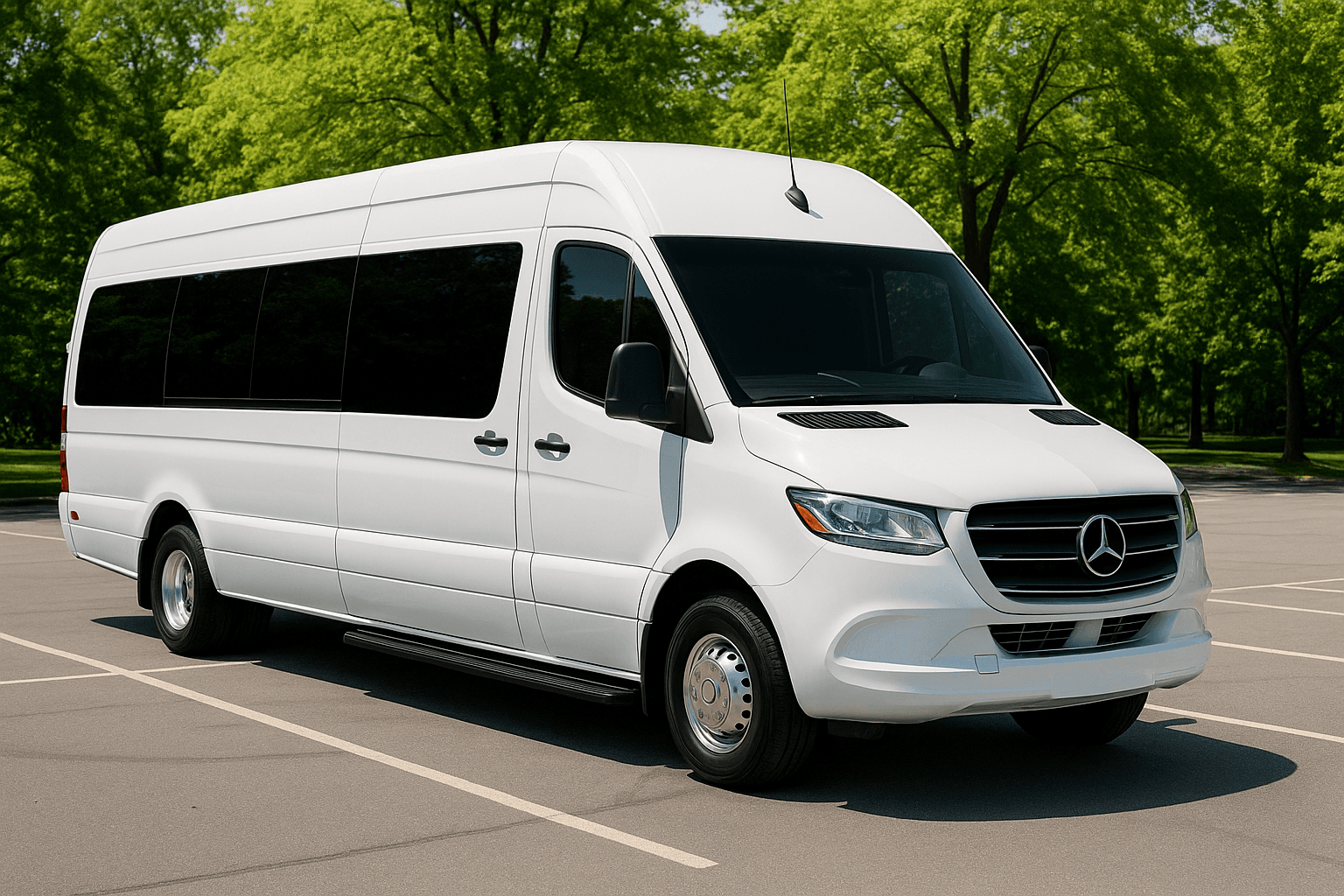
Representative executive sprinter exterior for smaller group travel
Sprinter category
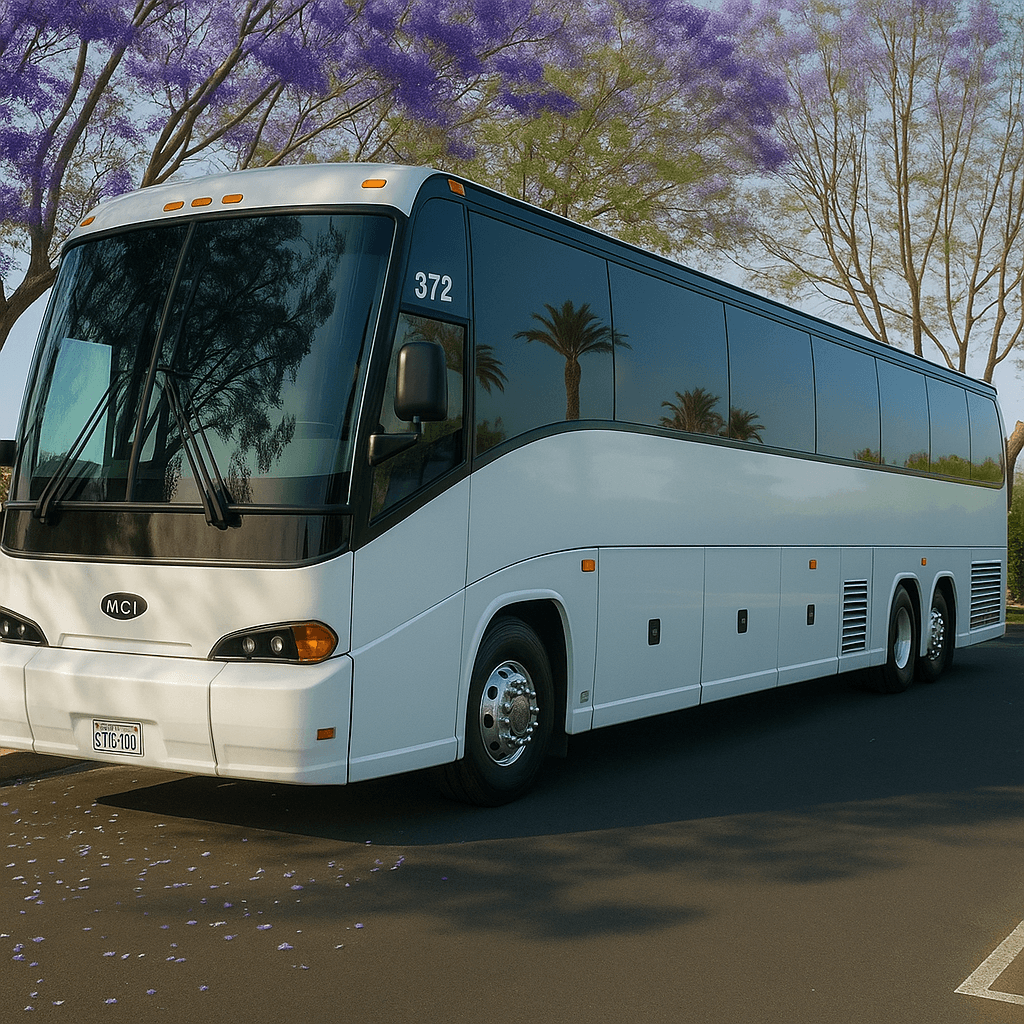
Representative full-size coach bus exterior for large group transportation
Coach bus category

When This Tool Helps Most

Countdown timers help groups feel the planning runway. Use the timer to set deadlines for quote requests, vehicle-category decisions, itinerary review, guest messages, and final payment.

Peak event dates often need earlier planning. Proms, weddings, concerts, holidays, and major sports weekends can reduce vehicle availability and raise minimum-hour requirements.

The timer does not hold inventory or send legal reminders. It is a planning aid that should be paired with written quote and booking deadlines.

Who Should Use the Event Countdown Timer?

The Event Countdown Timer is designed for organizers who need a visible planning runway for transportation decisions. Weddings, proms, major concerts, graduations, holiday events, and large conventions benefit when quote, headcount, itinerary, payment, and guest-message deadlines are scheduled before the event week. It gives the organizer a structured way to prepare a decision before speaking with a live agent. That preparation can make the quote review more useful because the group arrives with consistent assumptions instead of several conflicting versions of the trip.

Inputs to Gather Before You Start

Enter the actual event date and local time zone. Then write down the milestones that matter: initial quote request, vehicle decision, confirmed passenger count, route review, venue pickup confirmation, signed agreement, required payment, and final guest instructions. Accurate inputs matter more than optimistic inputs. If a detail is unknown, record it as an open question instead of selecting an answer merely to produce a preferred result.

How to Read the Result

The live countdown shows remaining time, while the real value comes from converting that time into deadlines. A short runway signals that the organizer should simplify choices and provide complete trip details quickly; it does not mean a vehicle is being held. Save the assumptions with the result so another planner or a live agent can understand how it was produced. If the assumptions change, run the tool again rather than treating the first output as permanent.

Limitations and Live Confirmation

The timer does not reserve inventory, monitor contract deadlines, send reminders, account for business hours, or know peak-demand conditions. Closing the browser or reaching zero has no effect on a quote or booking. Tool output is planning guidance only. It is not a reservation, contract, dispatch instruction, legal opinion, availability check, or final transportation quote.

A Common Mistake to Avoid

Watching the countdown without attaching real deadlines to it, so the quote request, headcount, and payment all get pushed to the final week when options and availability are more limited.

What to Do Next

Copy the deadline plan into a calendar, assign one owner to each milestone, and request a live quote early enough to review the vehicle, itinerary, terms, and payment requirements.

Event Countdown Timer FAQs

Is the Event Countdown Timer a confirmed quote or reservation?

No. The result helps prepare or compare trip details. It does not check live vehicle inventory, reserve transportation, charge a card, submit a lead, or replace the final written quote and agreement.

What information makes the Event Countdown Timer more useful?

Use confirmed information wherever possible and keep uncertain items visible. For this tool, the most important preparation is: Enter the actual event date and local time zone. Then write down the milestones that matter: initial quote request, vehicle decision, confirmed passenger count, route review, venue pickup confirmation, signed agreement, required payment, and final guest instructions.

What should I do after receiving a result?

Copy the deadline plan into a calendar, assign one owner to each milestone, and request a live quote early enough to review the vehicle, itinerary, terms, and payment requirements. A live review should confirm the actual date, route, passenger count, vehicle category, price, included items, exceptions, policies, and booking steps.

Need Personalized Help?

Our reservation specialists use the same data behind these tools — plus years of experience. Get a free, no-obligation quote for your event.

Call or request a written quote • Support available for booking questions