Turn Trip Ideas Into Quote-Ready Details

Answer the planning questions below to identify a suitable vehicle category, missing trip details, route considerations, and the information a live agent needs to review your request.

Visualize the Category Before You Plan

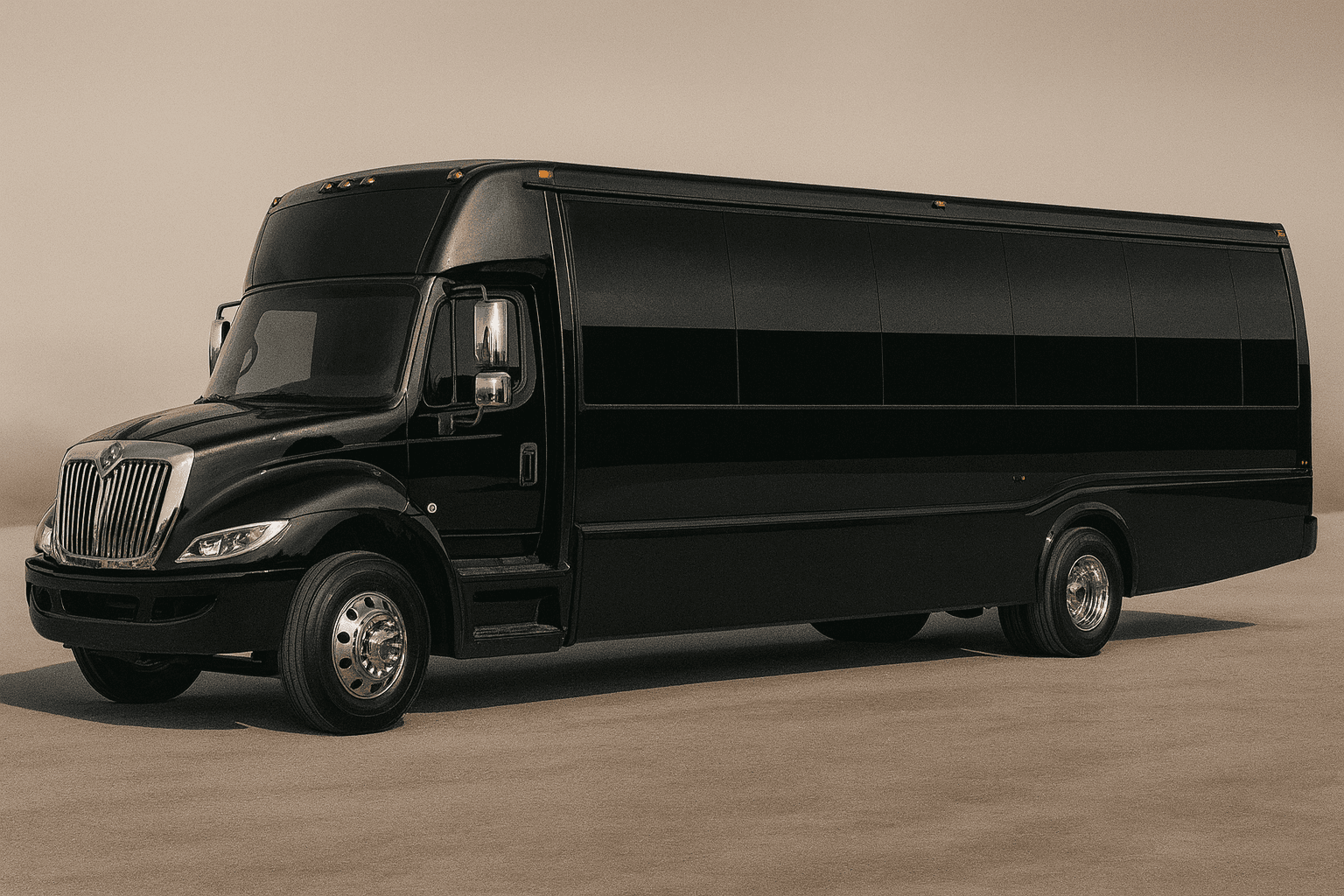
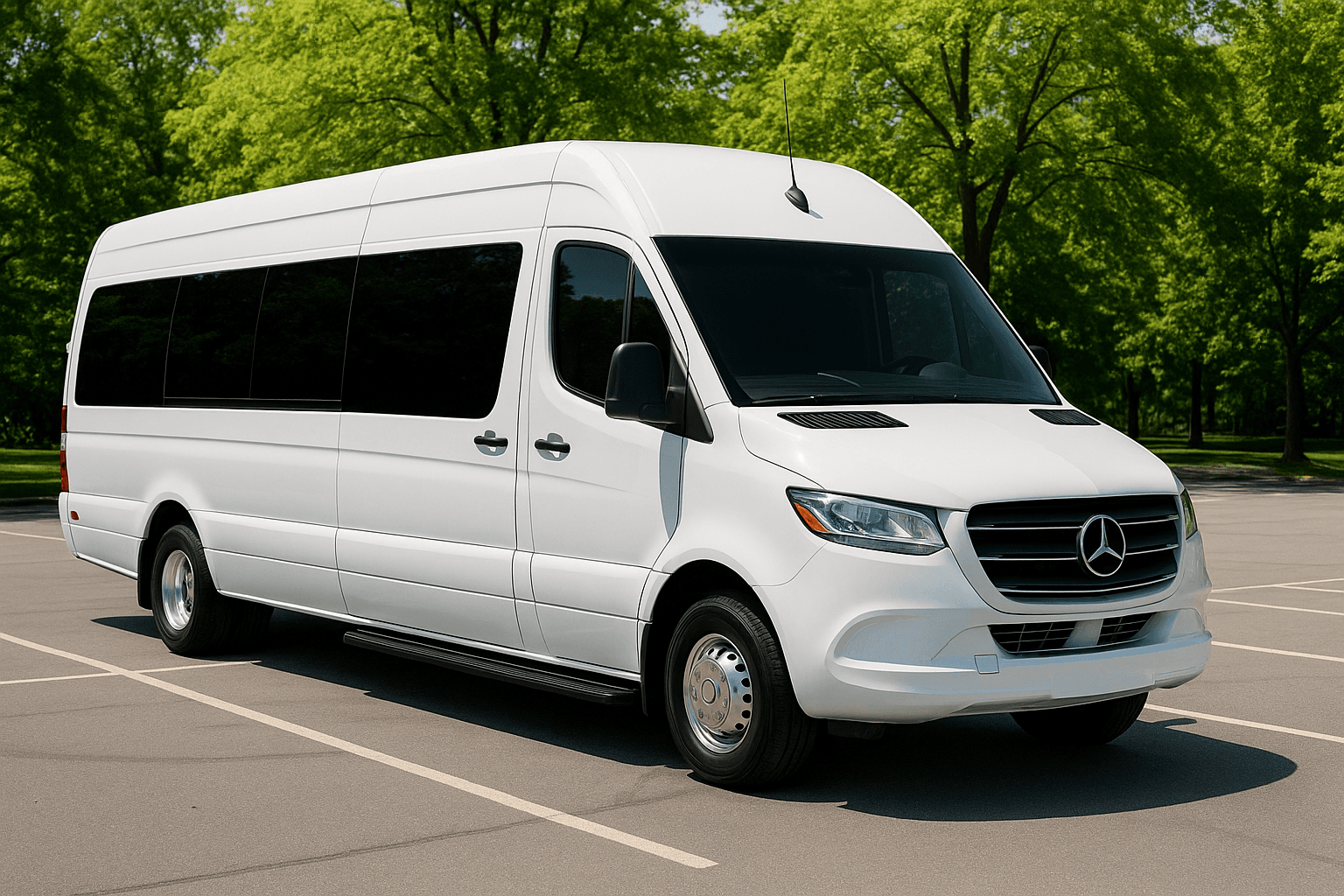
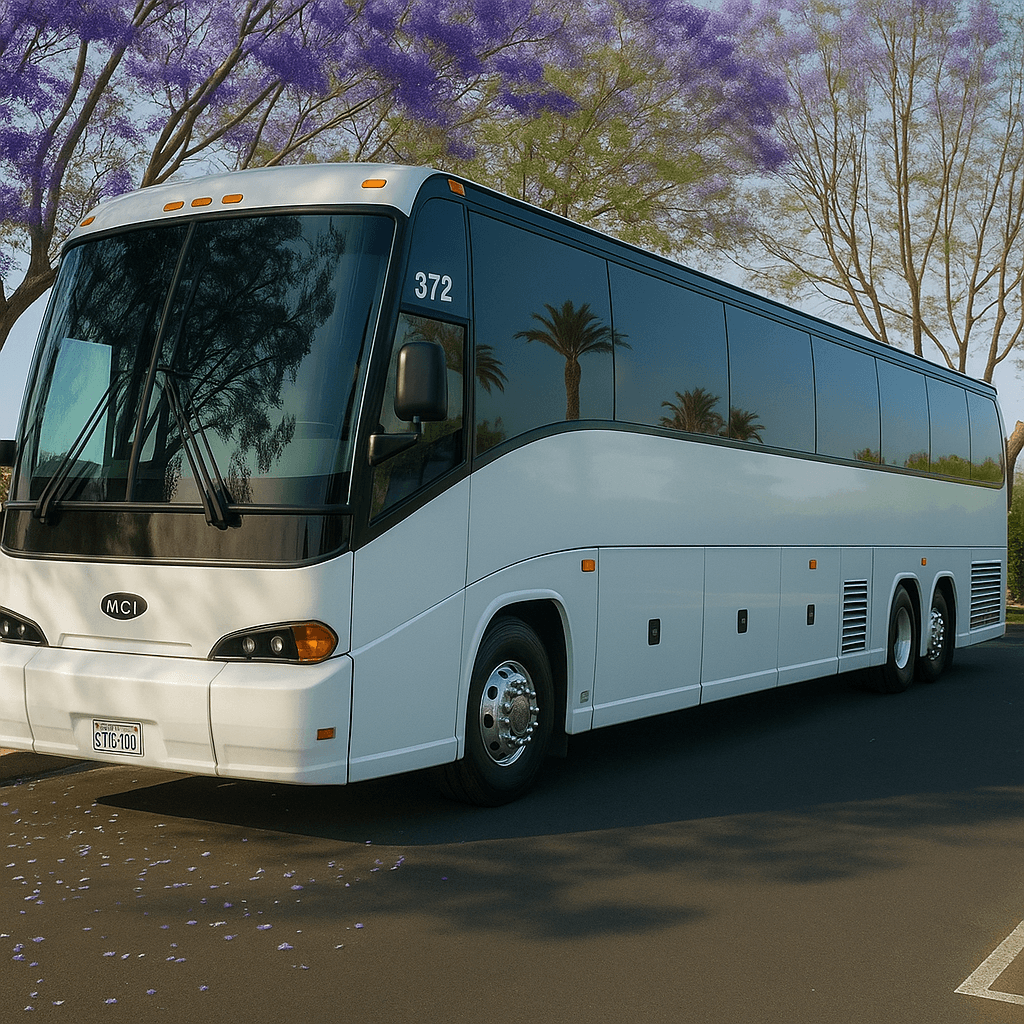
These representative images help distinguish party bus, limousine, sprinter, and coach bus categories. The Trip Assistant suggests categories only; it does not promise a pictured vehicle or current availability.

Representative mid-size party bus exterior for group transportation planning
Party bus category
Representative stretch limousine exterior for formal group transportation
Limousine category
Representative executive sprinter exterior for smaller group travel
Sprinter category
Representative full-size coach bus exterior for large group transportation
Coach bus category

What the Assistant Doesβ€”and Does Not Do

It organizes passenger count, date, route, duration, stops, event type, accessibility, luggage, and vehicle preferences.

It suggests vehicle categories using planning rules. It does not invent a specific vehicle, operator, price, license, availability, or pickup permission.

Your plan is not submitted until you knowingly continue into the existing contact workflow or call Bus 2 Ride.

A reservation is not confirmed until a live agent reviews the trip and the required DocuSign and payment steps are complete.

Prepare a Complete Trip Before Comparing Vehicles

Start with the actual date, local pickup time, complete addresses, passenger count, event type, expected duration, and every required stop. Then add luggage, equipment, child-seat questions, accessibility needs, service animals, and vehicle preferences. Mark uncertain information honestly. A well-organized draft helps a live reviewer identify route conflicts, unrealistic timing, insufficient capacity, or missing pickup instructions before those issues become day-of problems.

How the Category Recommendation Works

The assistant uses passenger count and practical trip details to suggest categories worth comparing. A party bus may suit a social multi-stop event, a limousine may fit a smaller formal group, a sprinter or shuttle may serve transfers, and a coach may be more practical for larger groups or longer routes. The recommendation is not a capacity certificate or vehicle assignment. Exact seating, entry, storage, accessibility equipment, amenities, and legal capacity require confirmation for the assigned vehicle.

Understand Estimates and Missing Information

Any displayed range is planning guidance based on the information entered. It cannot see live inventory, city demand, minimum hours, deadhead, route permissions, tolls, parking, driver requirements, or the final agreement. The missing-information list is often more valuable than the number because it identifies what must be resolved before a meaningful written quote can be reviewed. Update the plan when the route, headcount, time, or vehicle need changes.

Trip Assistant FAQs

Does using the Trip Assistant submit my information?

No. The planning experience organizes the information in your browser. You knowingly choose whether to continue to the existing contact workflow, call, or copy the plan. It does not silently submit a lead.

Does a vehicle suggestion confirm availability?

No. It identifies categories to discuss. A live agent must review the date, route, passenger count, current options, exact vehicle details, price, policies, and written booking terms.

What should I do with the completed plan?

Check the addresses and times with another organizer, save or copy the draft, and use it when requesting a live quote. Review the final written agreement when it differs from the planning output.