PlanningFree Tool

Itinerary Builder

Create a complete event itinerary by adding stops, setting dwell times, and estimating travel windows. Use the output as a planning draft, then confirm pickup details, routing, loading zones, and timing with the operator before the trip.

Stops

1
2
3

Your Timeline

Total: 2.4 hoursEnds: 8:25 PM

Pickup Location

15 min

6:00 PM6:15 PM

🚌 Travel to Stop 1

15 min

6:15 PM6:30 PM

Stop 1

45 min

6:30 PM7:15 PM

🚌 Travel to Stop 2

10 min

7:15 PM7:25 PM

Stop 2

60 min

7:25 PM8:25 PM

Booking Tip: You will need at least 3 hours for this itinerary. We recommend adding 30–60 minutes of buffer for loading, unloading, and unexpected delays.

Itinerary Builder Planning Examples

These representative transportation images provide visual context while you use the Itinerary Builder. Exact vehicles, layouts, amenities, accessibility equipment, luggage space, and availability require live review and written confirmation.

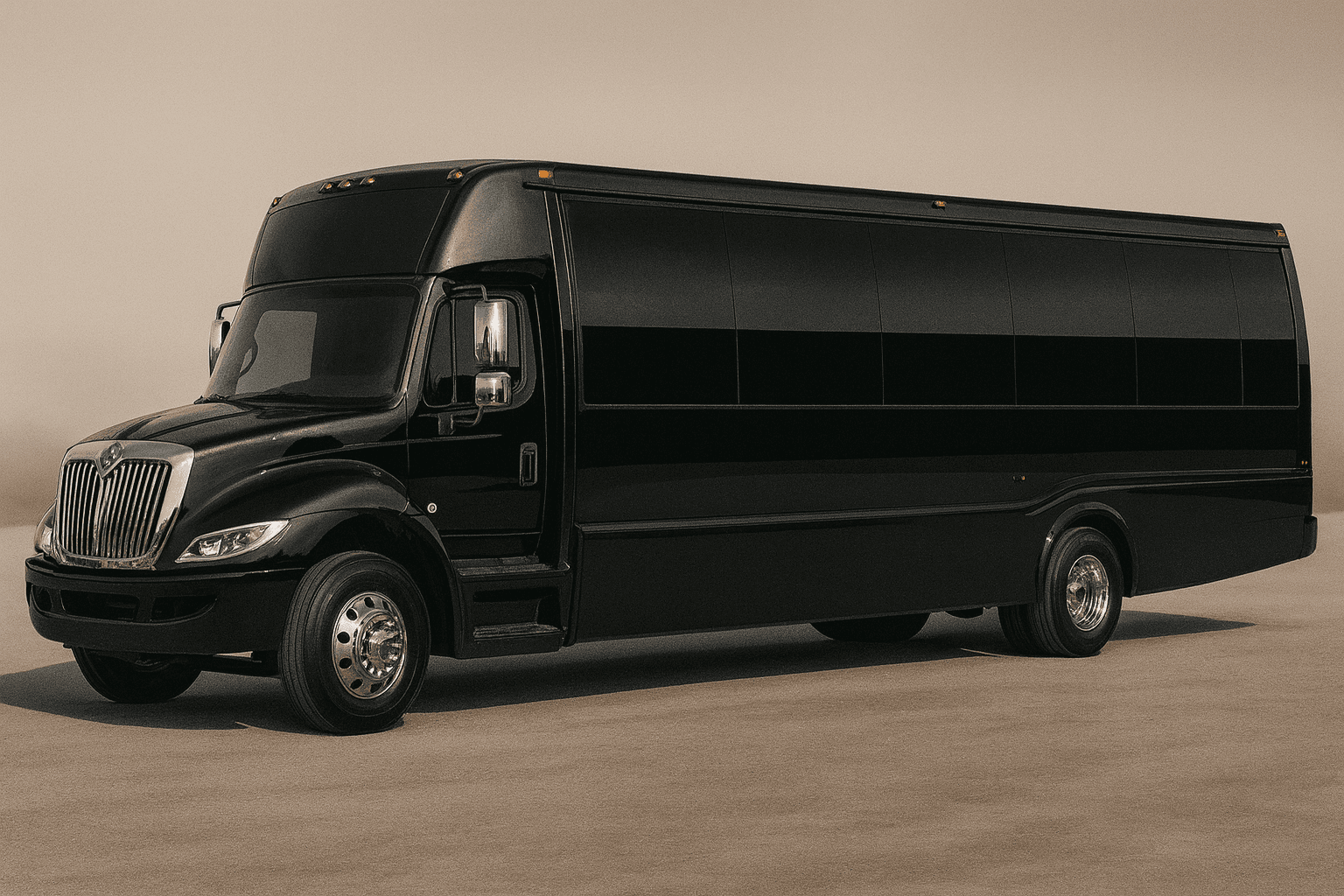
Representative mid-size party bus exterior for group transportation planning
Party bus category
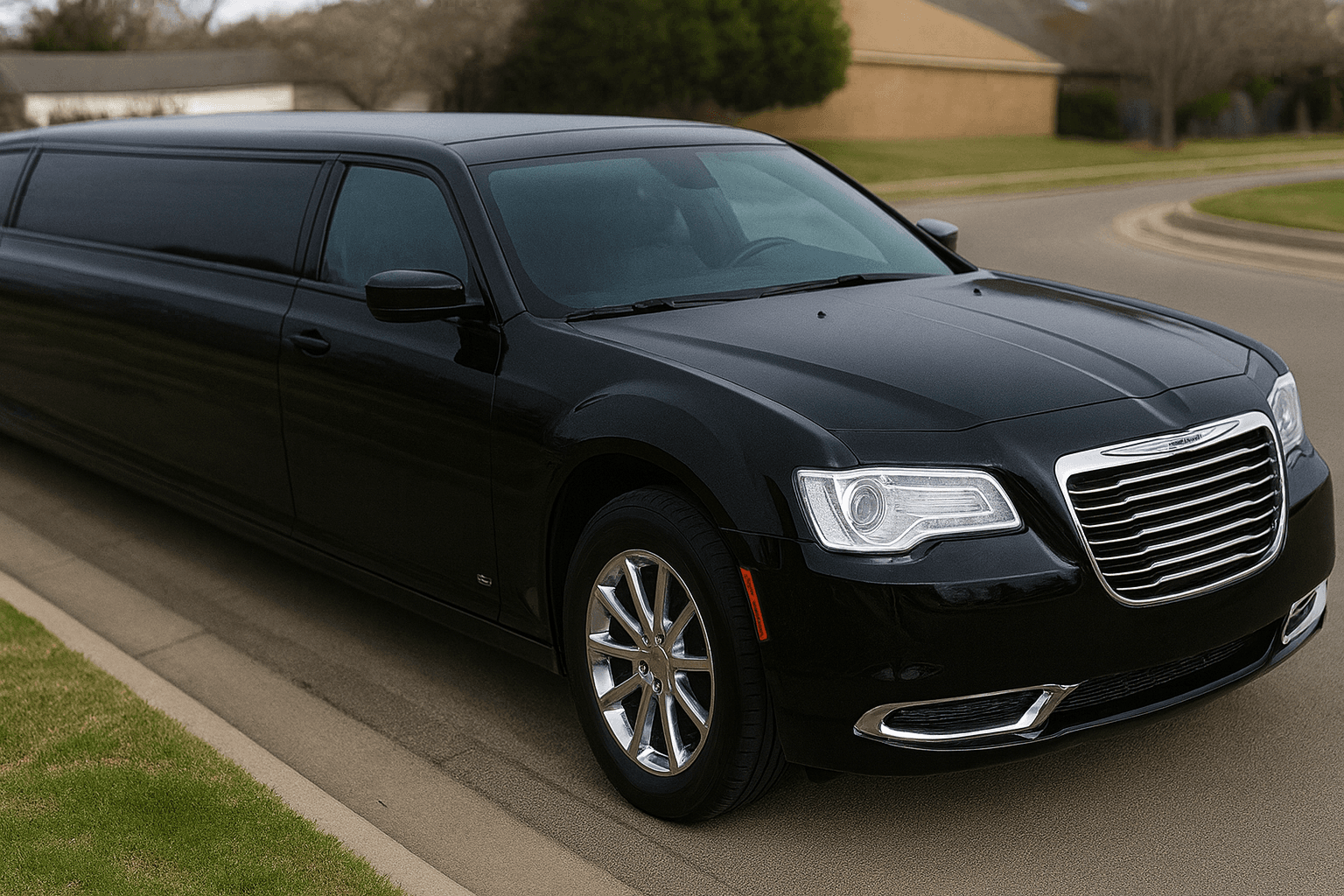
Representative stretch limousine exterior for formal group transportation
Limousine category
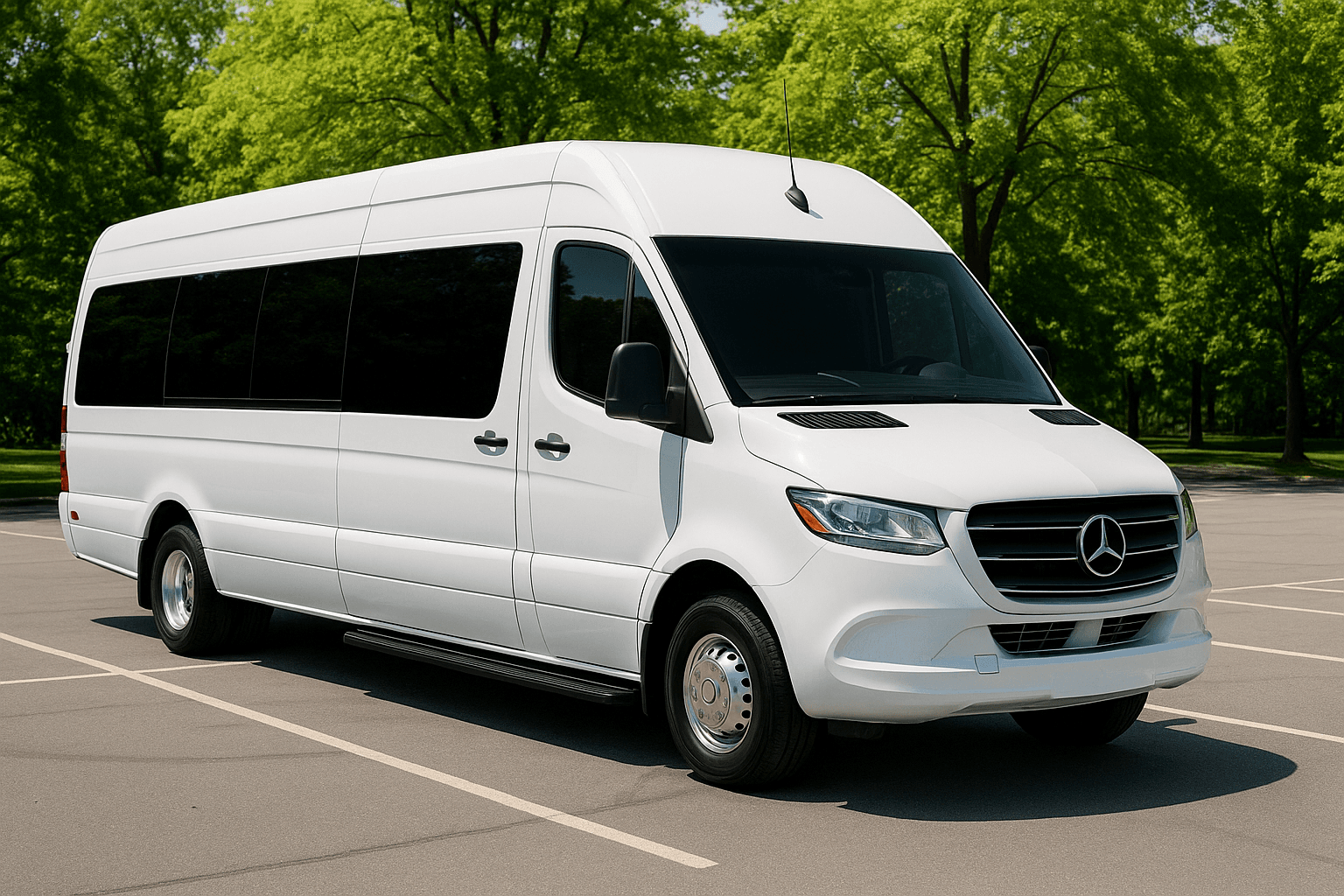
Representative executive sprinter exterior for smaller group travel
Sprinter category
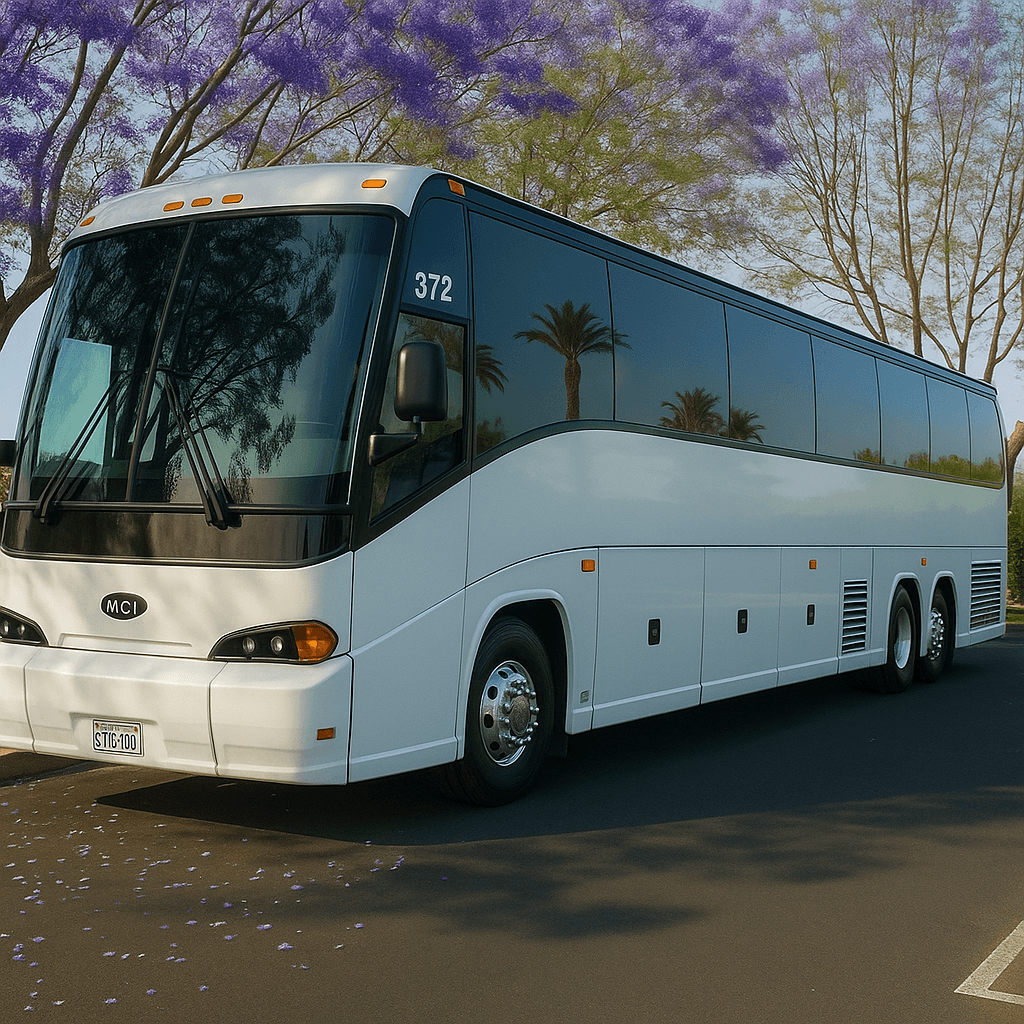
Representative full-size coach bus exterior for large group transportation
Coach bus category

How to Use the Itinerary Builder

A written itinerary prevents most day-of confusion. Use the builder to map pickup time, stop order, dwell time, venue addresses, loading zones, and final drop-off notes before requesting or finalizing the quote.

The route plan should be reviewed with the operator because road access, venue rules, construction, parking, and loading zones can change the real schedule. Build buffer time into weddings, proms, concerts, and sporting events.

Share the final itinerary with the group after the quote is confirmed. A clean plan reduces late arrivals, surprise stops, and overtime risk.
Who Should Use the Itinerary Builder?

The Itinerary Builder is designed for wedding planners, corporate coordinators, tour organizers, and social groups with multiple addresses or time-sensitive arrivals. It is most valuable before the final quote because a clear draft exposes missing stops, unrealistic dwell times, and conflicting pickup instructions. It gives the organizer a structured way to prepare a decision before speaking with a live agent. That preparation can make the quote review more useful because the group arrives with consistent assumptions instead of several conflicting versions of the trip.

Inputs to Gather Before You Start

Add every pickup, destination, intermediate stop, expected loading window, dwell time, and final return. Use complete street addresses and add notes for entrances, loading zones, passenger contacts, mobility needs, luggage, venue deadlines, and any stop that cannot accept a large vehicle. Accurate inputs matter more than optimistic inputs. If a detail is unknown, record it as an open question instead of selecting an answer merely to produce a preferred result.

How to Read the Result

The output is a shareable sequence of stops and planning times. Review it for backtracking, tight transitions, and places where the group may load slowly. A useful itinerary gives the transportation team enough context to review feasibility while giving guests one consistent schedule. Save the assumptions with the result so another planner or a live agent can understand how it was produced. If the assumptions change, run the tool again rather than treating the first output as permanent.

Limitations and Live Confirmation

The builder does not calculate live traffic, construction, commercial-vehicle restrictions, driver-hour rules, airport permissions, venue access, or actual travel time. It does not dispatch a vehicle or update the driver. Final routing and timing require live review. Tool output is planning guidance only. It is not a reservation, contract, dispatch instruction, legal opinion, availability check, or final transportation quote.

A Common Mistake to Avoid

Sending guests an early draft itinerary before the route has been reviewed, then having to send confusing corrections after the live agent flags a timing or access problem.

What to Do Next

Send the draft with the quote request, revise it after the live review, and distribute only the confirmed version. Keep one trip contact responsible for approved day-of changes.

Itinerary Builder FAQs

Is the Itinerary Builder a confirmed quote or reservation?

No. The result helps prepare or compare trip details. It does not check live vehicle inventory, reserve transportation, charge a card, submit a lead, or replace the final written quote and agreement.

What information makes the Itinerary Builder more useful?

Use confirmed information wherever possible and keep uncertain items visible. For this tool, the most important preparation is: Add every pickup, destination, intermediate stop, expected loading window, dwell time, and final return. Use complete street addresses and add notes for entrances, loading zones, passenger contacts, mobility needs, luggage, venue deadlines, and any stop that cannot accept a large vehicle.

What should I do after receiving a result?

Send the draft with the quote request, revise it after the live review, and distribute only the confirmed version. Keep one trip contact responsible for approved day-of changes. A live review should confirm the actual date, route, passenger count, vehicle category, price, included items, exceptions, policies, and booking steps.

Need Personalized Help?

Our reservation specialists use the same data behind these tools — plus years of experience. Get a free, no-obligation quote for your event.

Call or request a written quote • Support available for booking questions