LogisticsFree Tool

Guest Communication Hub

Streamline group communication with message templates for pickup coordination, itinerary confirmation, reminders, and post-trip follow-up. Customize each message with your route, timing, and group instructions.

Customize

Preview

Hey everyone! Here are the details for Jake's Bachelor Party:

Date: Saturday, March 15
Pickup Time: 6:00 PM
Pickup Location: 123 Main Street

Please be there 10 minutes early — the bus leaves on time!

If you're running late or need help finding the location, text me directly.

See you there!
— Sarah

Guest Communication Hub Planning Examples

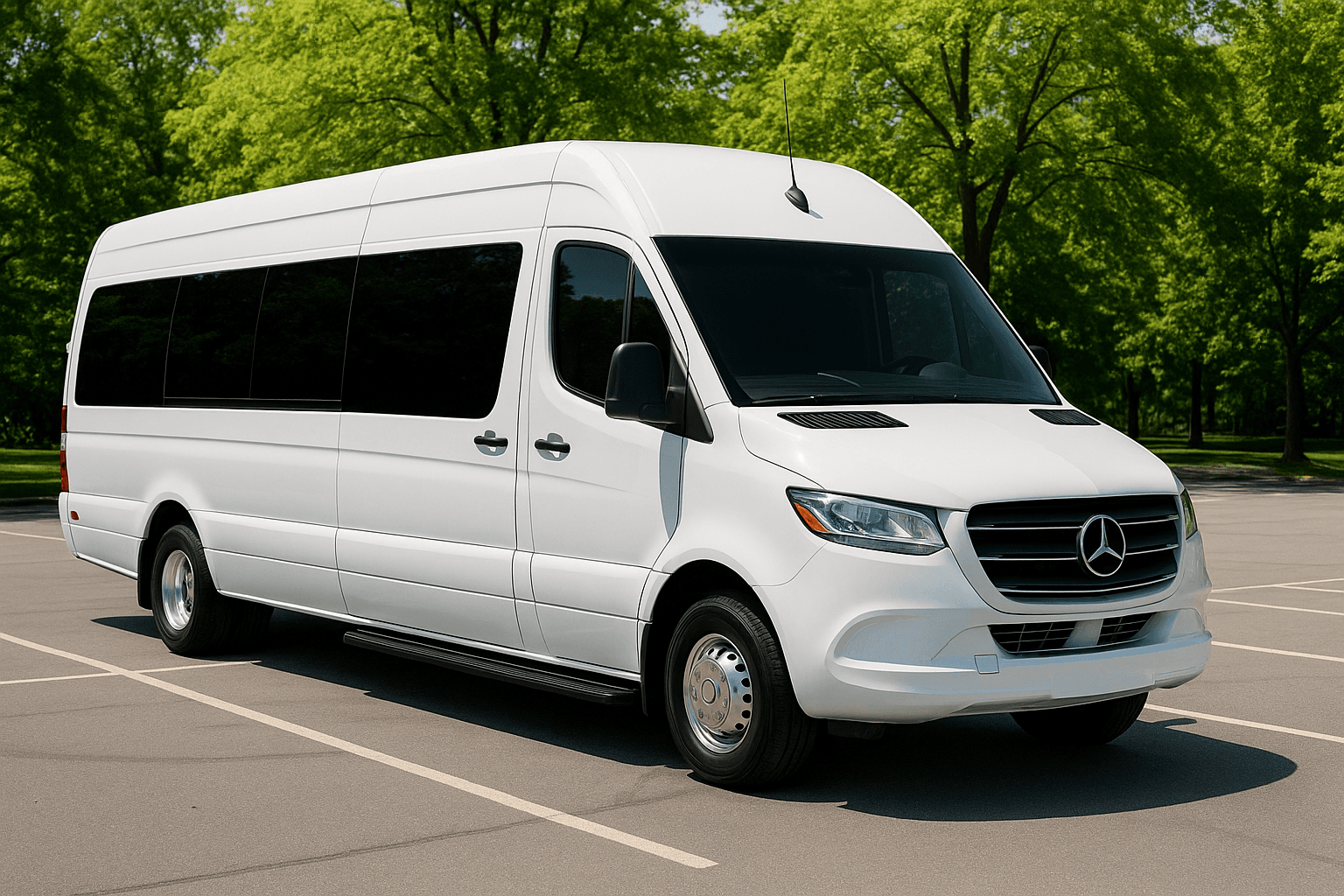
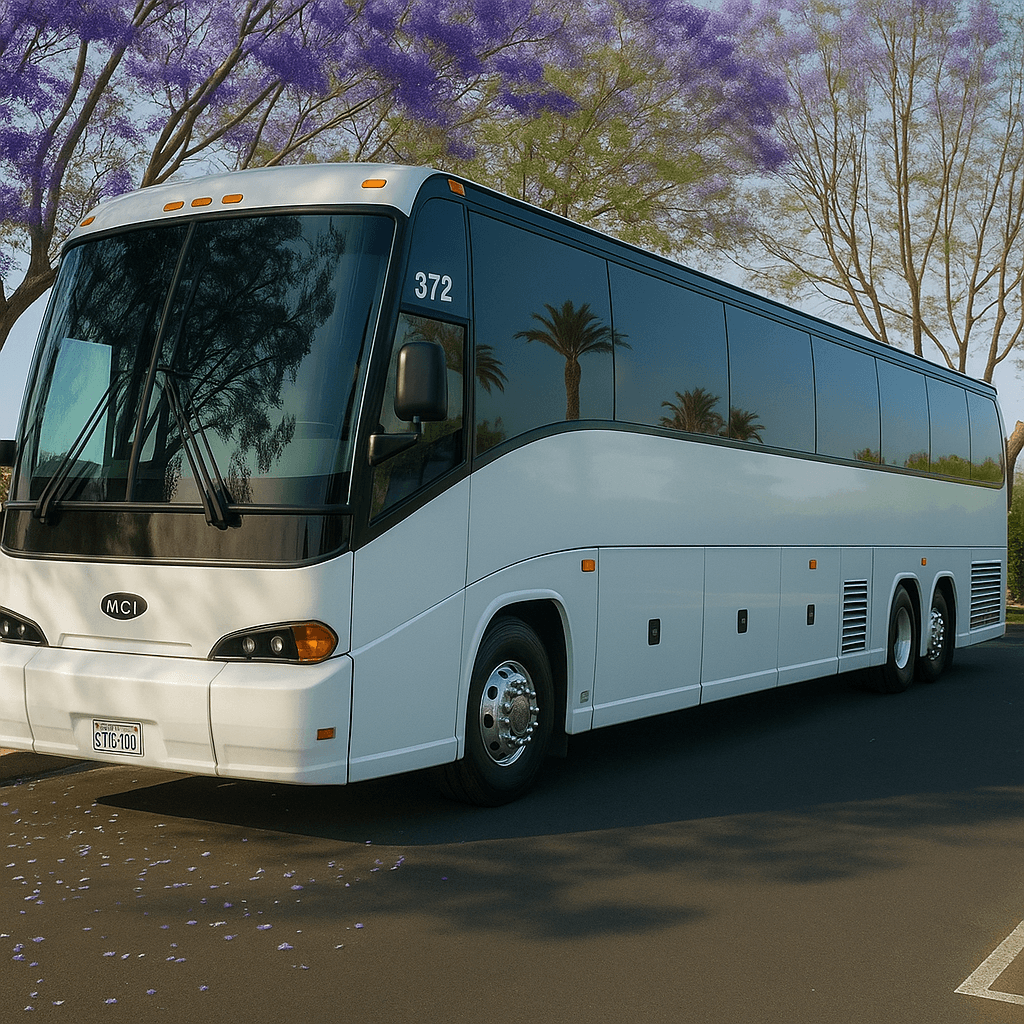
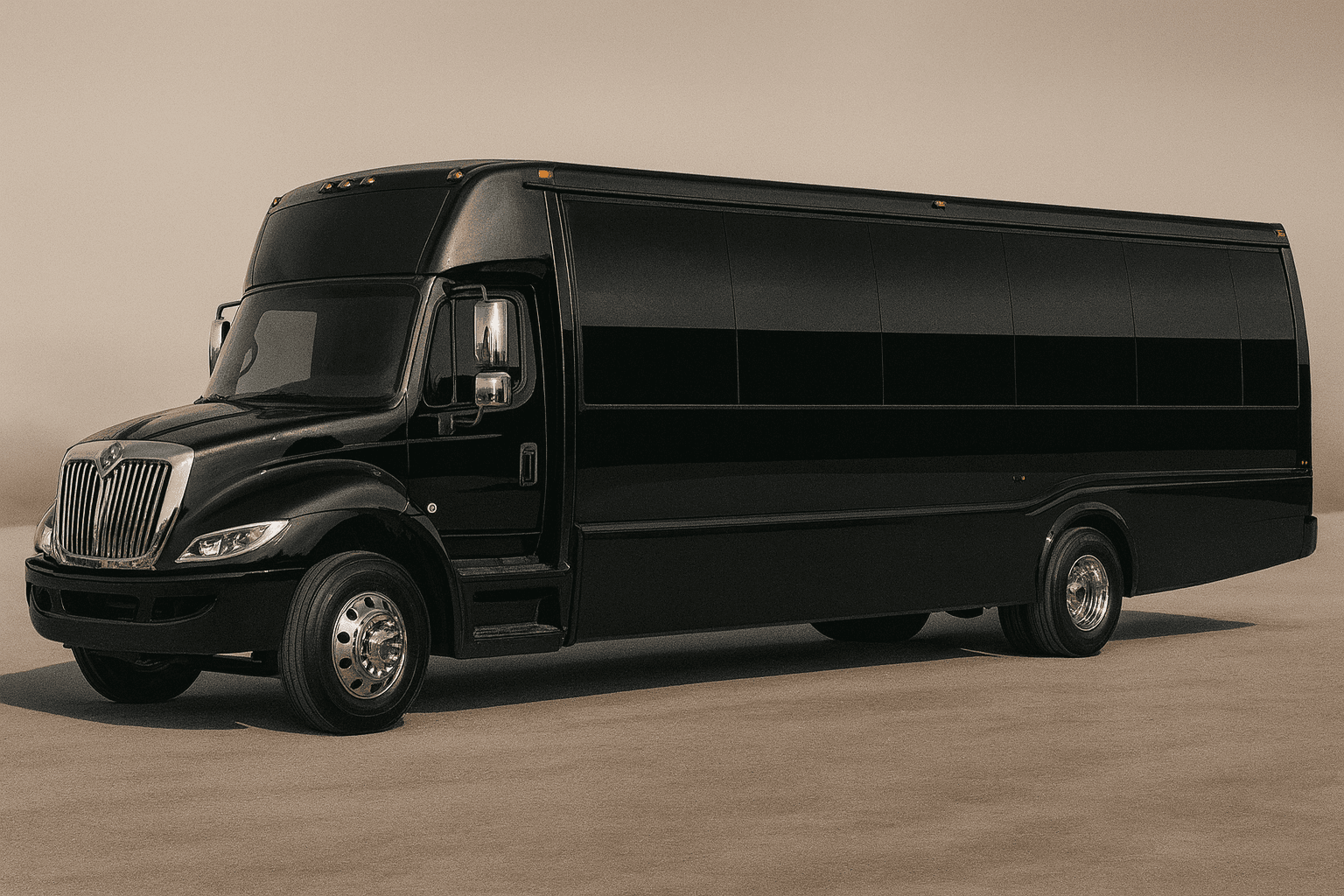
These representative transportation images provide visual context while you use the Guest Communication Hub. Exact vehicles, layouts, amenities, accessibility equipment, luggage space, and availability require live review and written confirmation.

Representative mid-size party bus exterior for group transportation planning
Party bus category
Representative stretch limousine exterior for formal group transportation
Limousine category
Representative executive sprinter exterior for smaller group travel
Sprinter category
Representative full-size coach bus exterior for large group transportation
Coach bus category

How to Use the Guest Communication Hub

Group transportation usually breaks down when guests do not know the pickup time, pickup side, route order, or final drop-off plan. Use template messages to keep everyone aligned without rewriting the same instructions repeatedly.

Customize each message with the exact pickup location, arrival window, contact person, dress code notes, venue rules, and anything guests must bring. The clearer the message, the less work the planner does on the day of the trip.

Use messages in sequence: initial plan, quote-confirmation summary, 48-hour reminder, pickup-day reminder, and post-trip follow-up. Clear communication makes the transportation feel organized even with a large group.
Who Should Use the Guest Communication Hub?

The Guest Communication Hub is designed for wedding planners, corporate coordinators, team leaders, and social-event hosts who need consistent pickup, reminder, delay, and return messages. It reduces the risk that different guests receive different times or incomplete location instructions. It gives the organizer a structured way to prepare a decision before speaking with a live agent. That preparation can make the quote review more useful because the group arrives with consistent assumptions instead of several conflicting versions of the trip.

Inputs to Gather Before You Start

Choose the message purpose and add the confirmed date, arrival window, exact pickup point, landmark or entrance, trip contact, passenger expectations, route summary, venue rules, accessibility notes, and what guests should do if delayed. Remove placeholders before sending. Accurate inputs matter more than optimistic inputs. If a detail is unknown, record it as an open question instead of selecting an answer merely to produce a preferred result.

How to Read the Result

The output is a customizable draft for text, email, or group chat. A strong message tells guests when to arrive rather than only when the vehicle leaves, gives one location, and identifies one person who can answer day-of questions. Save the assumptions with the result so another planner or a live agent can understand how it was produced. If the assumptions change, run the tool again rather than treating the first output as permanent.

Limitations and Live Confirmation

The hub does not send messages, import private contacts, track delivery, update the driver, or confirm itinerary changes. A copied draft can become outdated if the quote or route changes, so the organizer must control the final version. Tool output is planning guidance only. It is not a reservation, contract, dispatch instruction, legal opinion, availability check, or final transportation quote.

A Common Mistake to Avoid

Sending different pickup details to different guests over time — one text with the old address, one email with the updated time — so the group arrives with conflicting expectations.

What to Do Next

Send an initial confirmation, a 48-hour reminder, and a concise day-of message. If the itinerary changes, verify it with the transportation contact before notifying the group.

Guest Communication Hub FAQs

Is the Guest Communication Hub a confirmed quote or reservation?

No. The result helps prepare or compare trip details. It does not check live vehicle inventory, reserve transportation, charge a card, submit a lead, or replace the final written quote and agreement.

What information makes the Guest Communication Hub more useful?

Use confirmed information wherever possible and keep uncertain items visible. For this tool, the most important preparation is: Choose the message purpose and add the confirmed date, arrival window, exact pickup point, landmark or entrance, trip contact, passenger expectations, route summary, venue rules, accessibility notes, and what guests should do if delayed. Remove placeholders before sending.

What should I do after receiving a result?

Send an initial confirmation, a 48-hour reminder, and a concise day-of message. If the itinerary changes, verify it with the transportation contact before notifying the group. A live review should confirm the actual date, route, passenger count, vehicle category, price, included items, exceptions, policies, and booking steps.

Need Personalized Help?

Our reservation specialists use the same data behind these tools — plus years of experience. Get a free, no-obligation quote for your event.

Call or request a written quote • Support available for booking questions