LogisticsFree Tool

Capacity Finder

Enter the number of guests to compare vehicle categories that may fit your group. The tool shows planning capacity and comfort guidance; final legal capacity, layout, amenities, and availability must be confirmed in the written quote.

120 guests60

4 Vehicles Available

Small Party Bus (18–22)

Max capacity: 22

Snug Fit

2 spare seats

$225/hr

$11/person/hr

91%
Open floor areaLED/laser lightsPremium soundBeverage areaBluetooth
Comfort:

Mini Coach Bus (25–35)

Max capacity: 35

Very Spacious

15 spare seats

$200/hr

$10/person/hr

57%
Reclining seatsOverhead storagePA systemClimate controlWiFi when available
Comfort:

Large Party Bus (25–40)

Max capacity: 40

Very Spacious

20 spare seats

$325/hr

$16/person/hr

50%
Large open floor areaPremium soundMultiple screensBeverage areaLED/laser lights
Comfort:

Full-Size Coach Bus (40–56)

Max capacity: 56

Very Spacious

36 spare seats

$275/hr

$14/person/hr

36%
Reclining seatsRestroom when availableOverhead storagePA systemWiFi when availableTV monitorsClimate control
Comfort:

Capacity Finder Planning Examples

These representative transportation images provide visual context while you use the Capacity Finder. Exact vehicles, layouts, amenities, accessibility equipment, luggage space, and availability require live review and written confirmation.

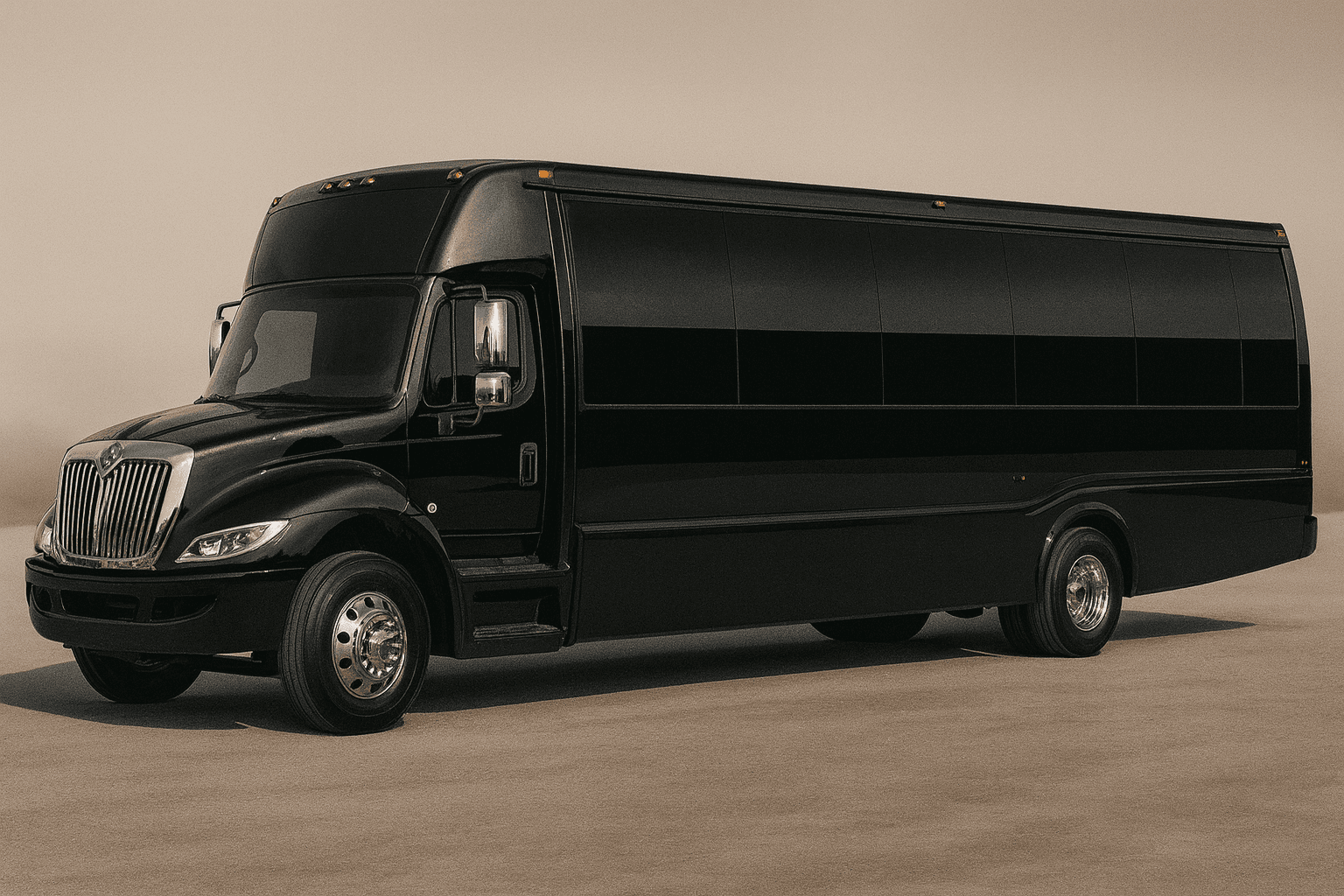
Representative mid-size party bus exterior for group transportation planning
Party bus category
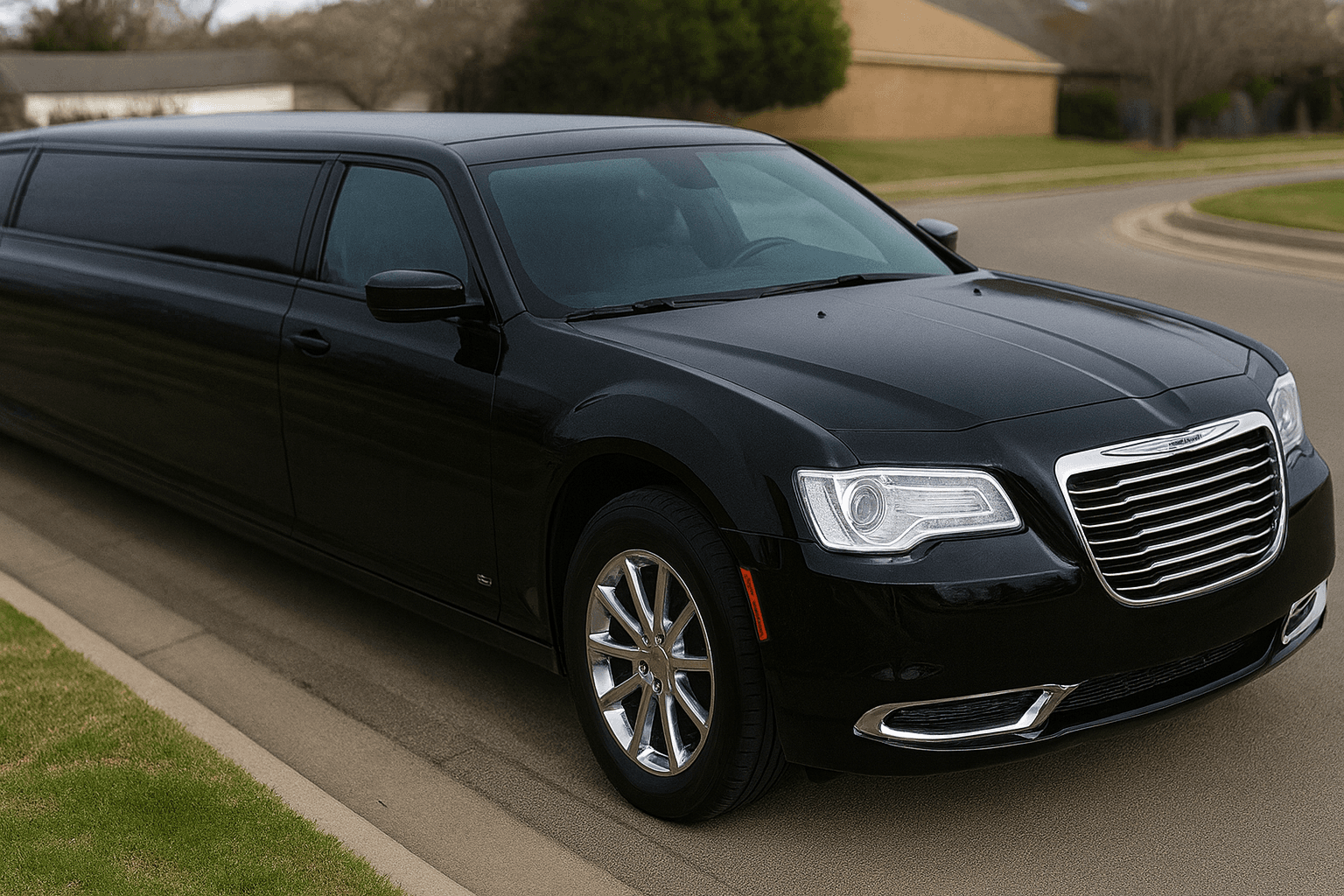
Representative stretch limousine exterior for formal group transportation
Limousine category
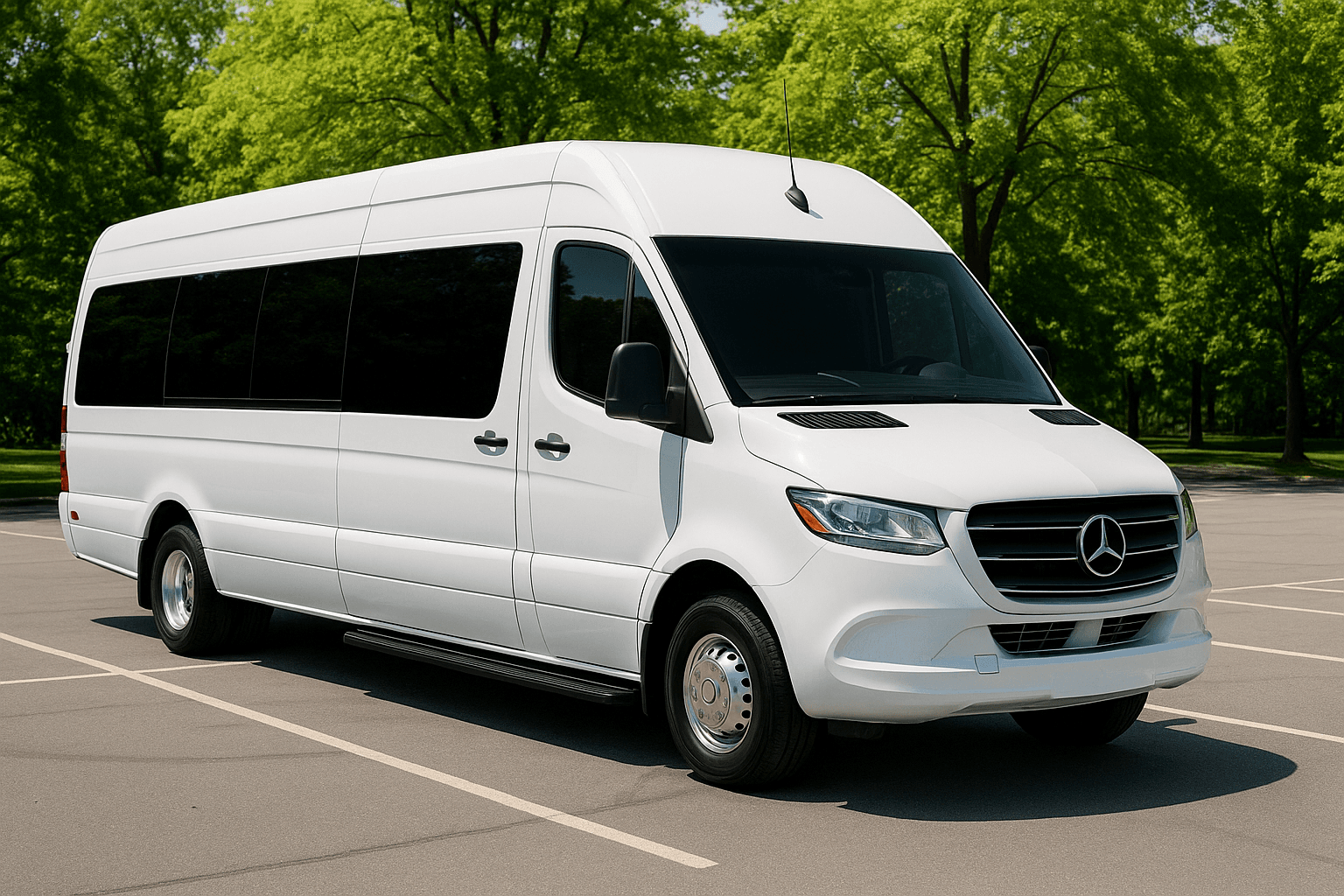
Representative executive sprinter exterior for smaller group travel
Sprinter category
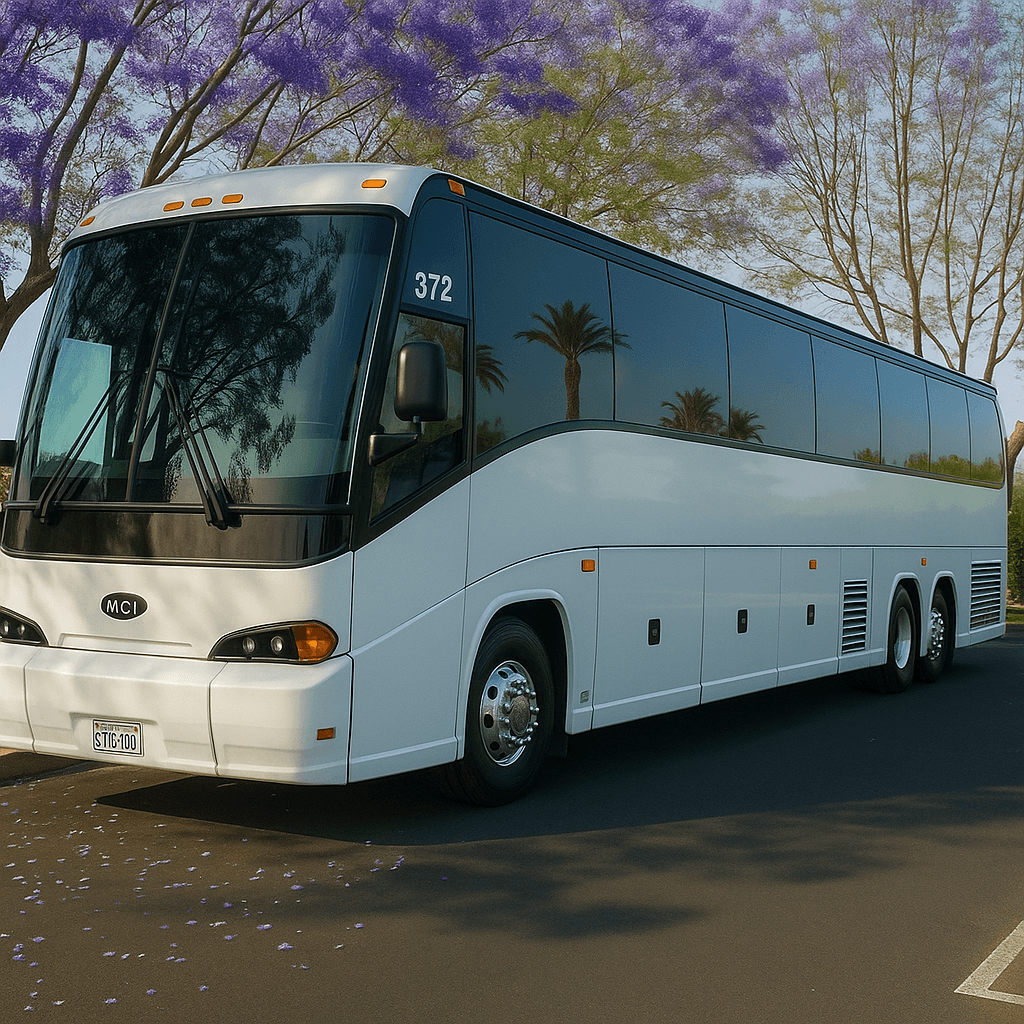
Representative full-size coach bus exterior for large group transportation
Coach bus category

Capacity Finder: What to Know

The capacity finder helps avoid the two common mistakes: booking too small and making the ride uncomfortable, or booking too large and paying for unused capacity. It compares likely categories by passenger range, comfort, and value.

Capacity guidance should always be checked against the final written quote. Operators can configure vehicles differently, and passenger limits can depend on vehicle build, seating, local rules, and operator policy.

For longer trips, formal events, luggage-heavy airport transfers, or groups that want room to move, choose a category with a comfort buffer. For short transfers, a tighter fit may be acceptable if the written quote confirms legal capacity and layout.
Who Should Use the Capacity Finder?

The Capacity Finder is designed for planners comparing legal fit with comfortable fit. It is especially useful for airport groups, longer routes, formal clothing, mobility needs, or any trip where luggage and equipment reduce the practical space available to passengers. It gives the organizer a structured way to prepare a decision before speaking with a live agent. That preparation can make the quote review more useful because the group arrives with consistent assumptions instead of several conflicting versions of the trip.

Inputs to Gather Before You Start

Enter the complete headcount and separately record bags, coolers, sports gear, mobility devices, child-seat questions, and service-animal needs. Note whether passengers require forward-facing seats, easy entry, aisle space, or additional personal room for a longer trip. Accurate inputs matter more than optimistic inputs. If a detail is unknown, record it as an open question instead of selecting an answer merely to produce a preferred result.

How to Read the Result

The tool returns likely categories with a planning capacity range. Use the result to compare comfort, route suitability, entry, storage, and priceβ€”not simply to select the smallest category. The assigned vehicle’s documented legal capacity is the controlling number. Save the assumptions with the result so another planner or a live agent can understand how it was produced. If the assumptions change, run the tool again rather than treating the first output as permanent.

Limitations and Live Confirmation

Representative category ranges cannot describe every build. Seating can change with interior configuration, and storage or accessibility equipment may differ. The finder does not inspect inventory, confirm a specific vehicle, or reserve space. Tool output is planning guidance only. It is not a reservation, contract, dispatch instruction, legal opinion, availability check, or final transportation quote.

A Common Mistake to Avoid

Comparing categories only by the maximum passenger number on the spec sheet, without accounting for the luggage, mobility equipment, or extra room that actually determines comfortable fit.

What to Do Next

Request exact photos or layout information when fit matters, and have the live agent confirm capacity, luggage, boarding, accessibility, and substitution details in the written quote.

Capacity Finder FAQs

Is the Capacity Finder a confirmed quote or reservation?

No. The result helps prepare or compare trip details. It does not check live vehicle inventory, reserve transportation, charge a card, submit a lead, or replace the final written quote and agreement.

What information makes the Capacity Finder more useful?

Use confirmed information wherever possible and keep uncertain items visible. For this tool, the most important preparation is: Enter the complete headcount and separately record bags, coolers, sports gear, mobility devices, child-seat questions, and service-animal needs. Note whether passengers require forward-facing seats, easy entry, aisle space, or additional personal room for a longer trip.

What should I do after receiving a result?

Request exact photos or layout information when fit matters, and have the live agent confirm capacity, luggage, boarding, accessibility, and substitution details in the written quote. A live review should confirm the actual date, route, passenger count, vehicle category, price, included items, exceptions, policies, and booking steps.

Need Personalized Help?

Our reservation specialists use the same data behind these tools β€” plus years of experience. Get a free, no-obligation quote for your event.

Call or request a written quote β€’ Support available for booking questions