BudgetingFree Tool

Hours vs Mileage Optimizer

Long-distance or multi-stop trips may be quoted differently depending on route, dwell time, and operator terms. Enter trip details to compare planning models, then request a written quote that confirms the actual pricing structure.

Winery tours, suburban events

Hours vs Mileage Optimizer Planning Examples

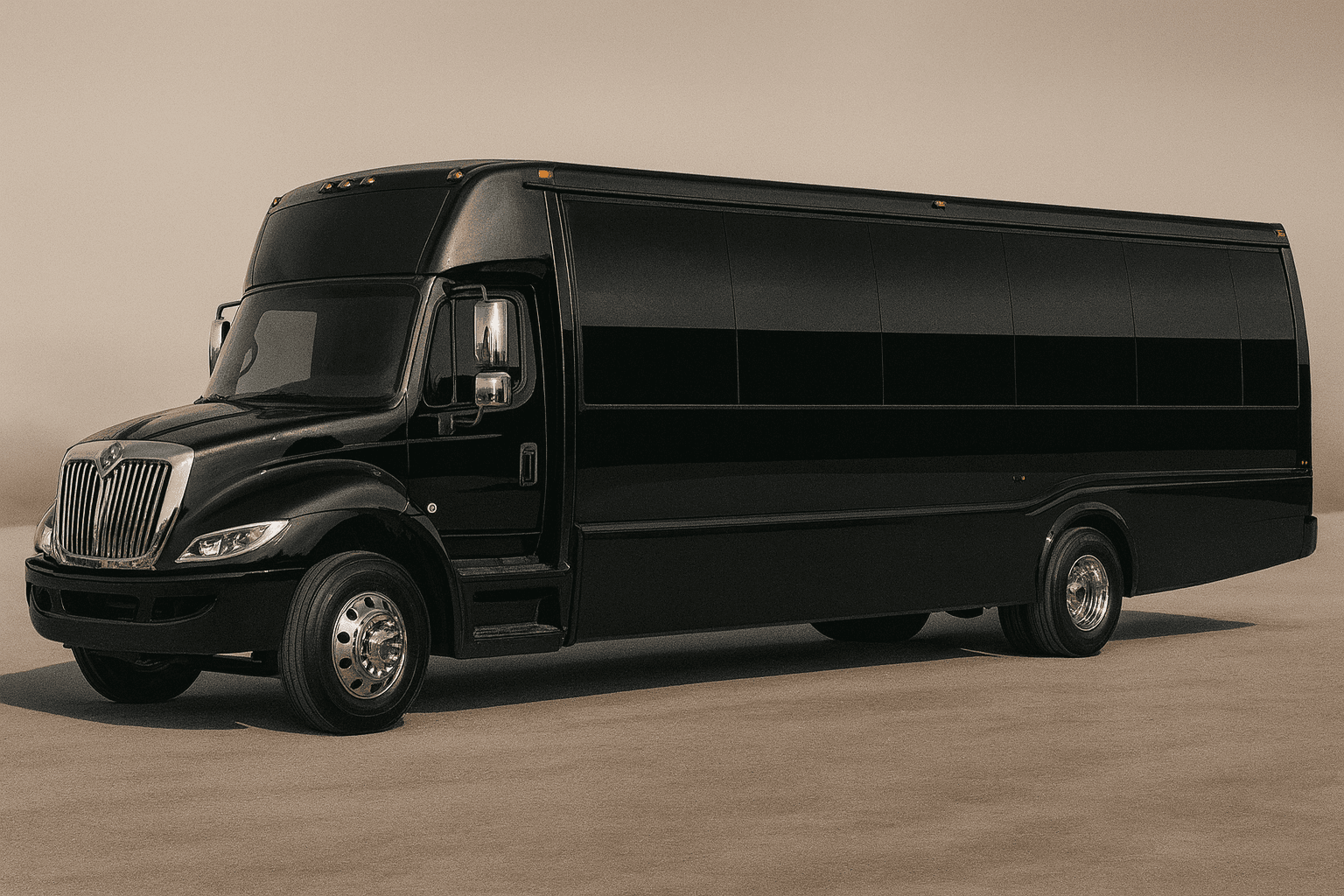
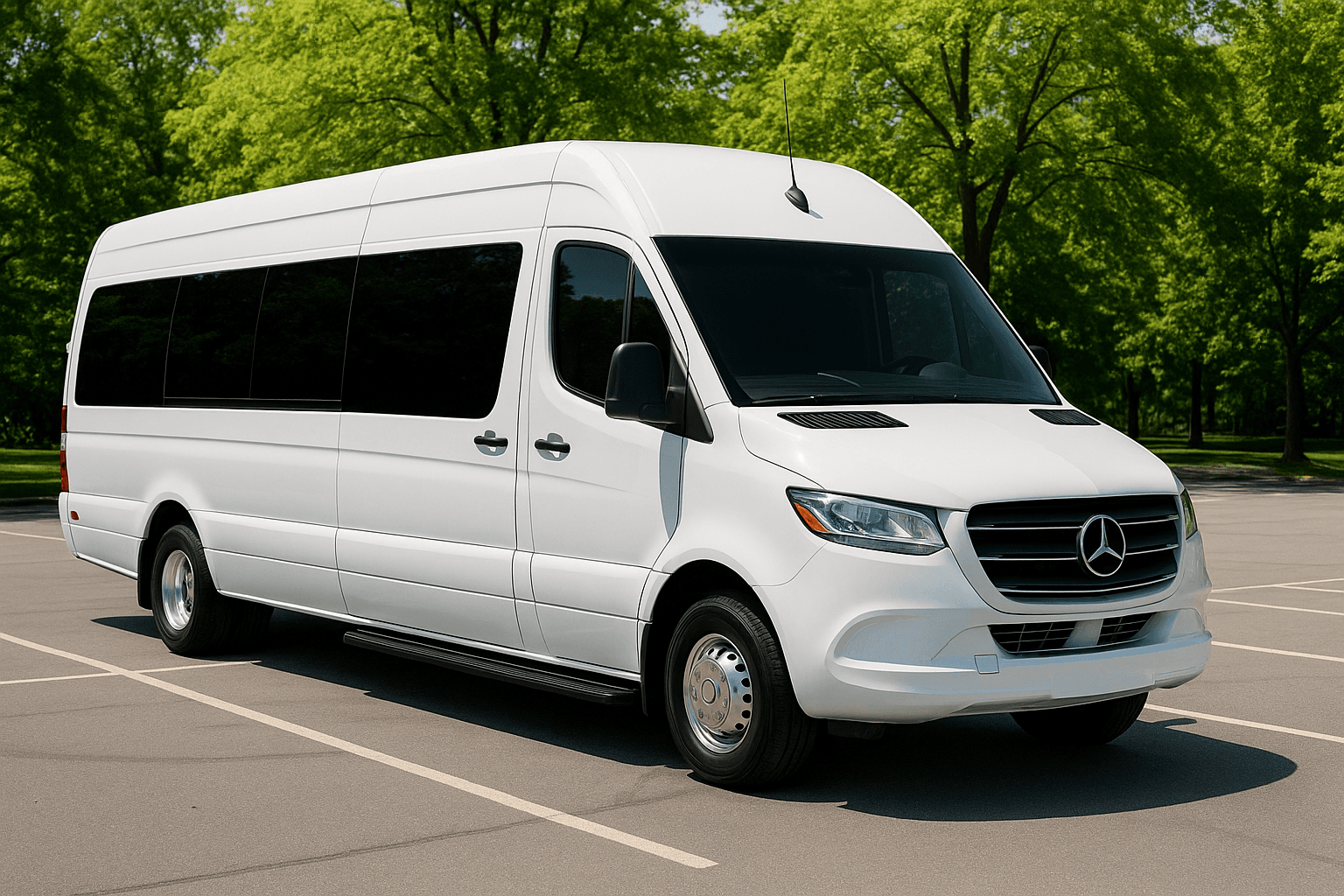
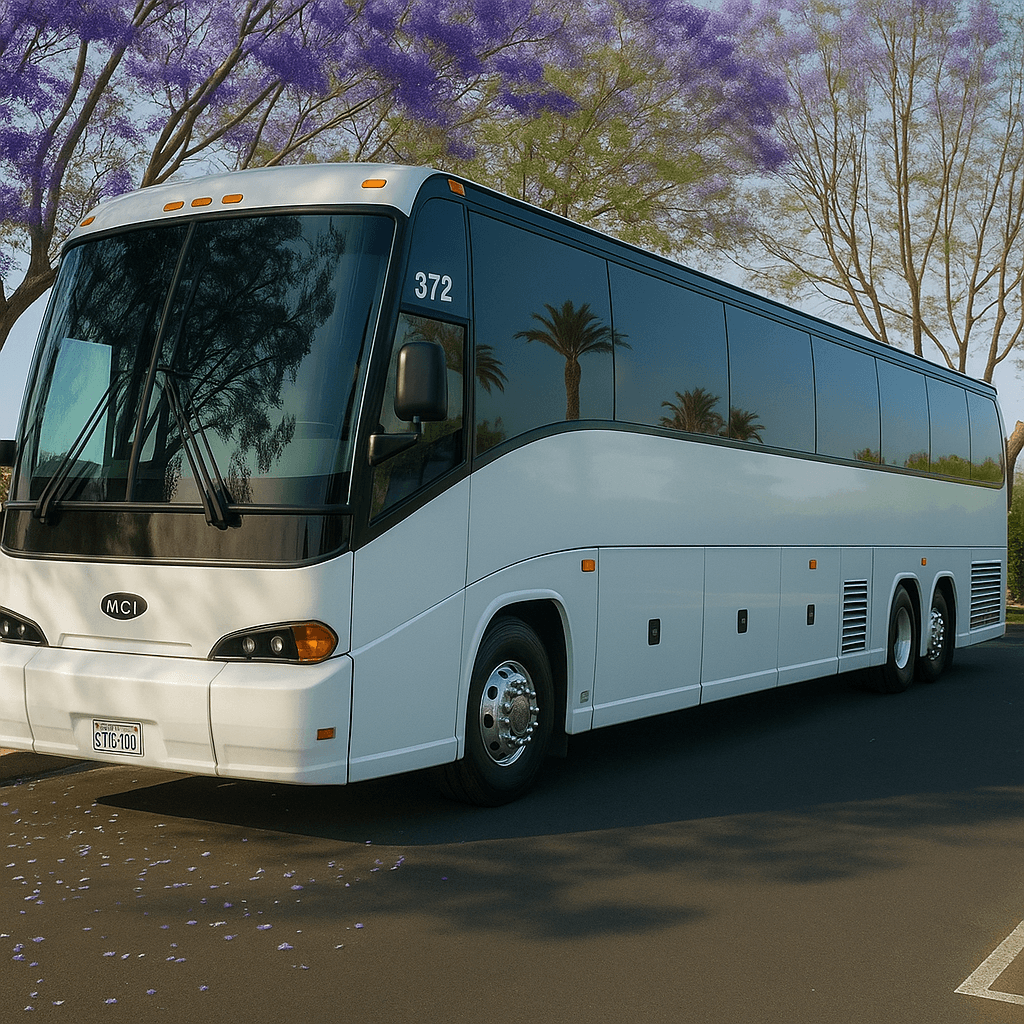
These representative transportation images provide visual context while you use the Hours vs Mileage Optimizer. Exact vehicles, layouts, amenities, accessibility equipment, luggage space, and availability require live review and written confirmation.

Representative mid-size party bus exterior for group transportation planning
Party bus category
Representative stretch limousine exterior for formal group transportation
Limousine category
Representative executive sprinter exterior for smaller group travel
Sprinter category
Representative full-size coach bus exterior for large group transportation
Coach bus category

About the Hours vs Mileage Optimizer

Some longer trips can be priced differently depending on distance, dwell time, and operator policy. This tool compares planning models so you can ask better quote questions.

Hourly pricing often fits multi-stop trips. Distance-style pricing may fit long highway transfers with limited dwell time. Actual quote structure depends on operator availability and market rules.

Ask for the pricing structure in writing, especially for wineries, destination weddings, casino trips, out-of-town concerts, and multi-city routes.

Who Should Use the Hours vs Mileage Optimizer?

The Hours vs Mileage Optimizer is designed for groups comparing a local multi-stop rental with a longer point-to-point or out-of-town route. It helps frame the questions to ask when drive time, passenger dwell time, deadhead, and distance may affect the quote structure differently. It gives the organizer a structured way to prepare a decision before speaking with a live agent. That preparation can make the quote review more useful because the group arrives with consistent assumptions instead of several conflicting versions of the trip.

Inputs to Gather Before You Start

Enter realistic trip hours, route distance, stop count, and expected wait time. Include the empty travel that may be required to reach the pickup or return after drop-off when known. Do not remove loading, rest breaks, or scheduled dwell time merely to improve the output. Accurate inputs matter more than optimistic inputs. If a detail is unknown, record it as an open question instead of selecting an answer merely to produce a preferred result.

How to Read the Result

The comparison shows which pricing structure might align with the shape of the trip. Hourly planning commonly suits local stops and waiting; distance-oriented planning may be relevant to longer transfers. It does not select the structure an actual provider will use. Save the assumptions with the result so another planner or a live agent can understand how it was produced. If the assumptions change, run the tool again rather than treating the first output as permanent.

Limitations and Live Confirmation

The optimizer cannot see operator rules, driver hours, garage location, minimums, fuel policy, tolls, overnight needs, live traffic, or date-specific availability. The live quote may use a package or another structure entirely. Tool output is planning guidance only. It is not a reservation, contract, dispatch instruction, legal opinion, availability check, or final transportation quote.

A Common Mistake to Avoid

Assuming a long-distance transfer will automatically be cheaper priced by mileage, when many operators still price it hourly with a required deadhead or return allowance built in.

What to Do Next

Provide the complete route and schedule, ask how drive time and mileage are treated, and compare the final total and written exceptions rather than forcing the trip into one model.

Hours vs Mileage Optimizer FAQs

Is the Hours vs Mileage Optimizer a confirmed quote or reservation?

No. The result helps prepare or compare trip details. It does not check live vehicle inventory, reserve transportation, charge a card, submit a lead, or replace the final written quote and agreement.

What information makes the Hours vs Mileage Optimizer more useful?

Use confirmed information wherever possible and keep uncertain items visible. For this tool, the most important preparation is: Enter realistic trip hours, route distance, stop count, and expected wait time. Include the empty travel that may be required to reach the pickup or return after drop-off when known. Do not remove loading, rest breaks, or scheduled dwell time merely to improve the output.

What should I do after receiving a result?

Provide the complete route and schedule, ask how drive time and mileage are treated, and compare the final total and written exceptions rather than forcing the trip into one model. A live review should confirm the actual date, route, passenger count, vehicle category, price, included items, exceptions, policies, and booking steps.

Need Personalized Help?

Our reservation specialists use the same data behind these tools — plus years of experience. Get a free, no-obligation quote for your event.

Call or request a written quote • Support available for booking questions