LogisticsFree Tool

Seating Map Visualizer

Use representative seating maps to understand how passengers may fit inside different vehicle categories. Layouts vary by exact vehicle and operator, so confirm the specific seating layout in the written quote when it matters.

Small Party Bus

18–22 passengers

SeatingBarDoorPoleRestroomTV
DriverDoor4 seats4 seats4 seats4 seats3 seats3 seats3 seatsBarTVBack← Front | Rear →

Perimeter bench seating with center dance floor, wet bar, and entertainment system.

About This Layout

This is a representative seating map. Actual vehicle layouts may vary by fleet provider and model. Contact us for photos and specifications of the exact vehicle assigned to your booking.

Seating Map Visualizer Planning Examples

These representative transportation images provide visual context while you use the Seating Map Visualizer. Exact vehicles, layouts, amenities, accessibility equipment, luggage space, and availability require live review and written confirmation.

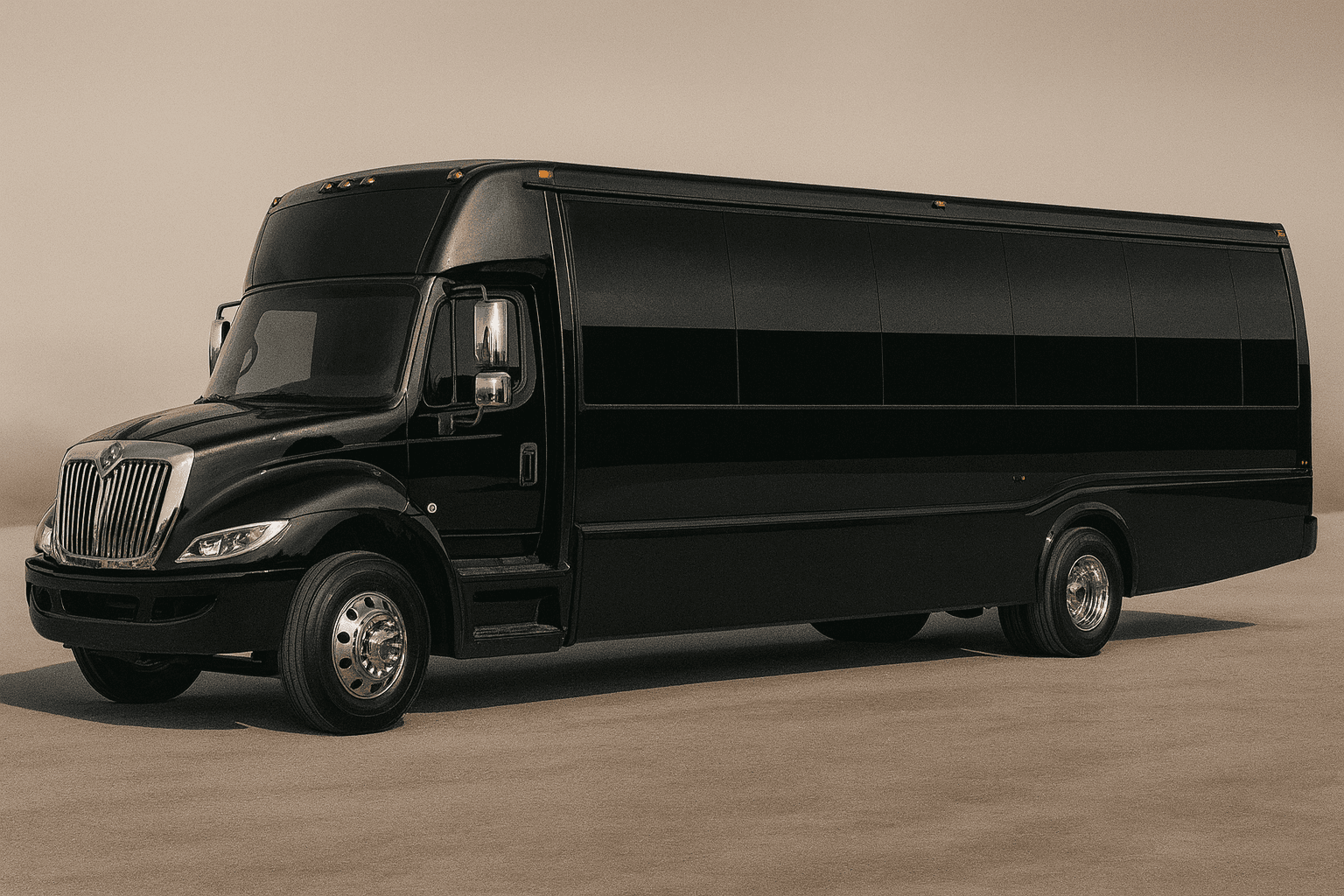
Representative mid-size party bus exterior for group transportation planning
Party bus category
Representative stretch limousine exterior for formal group transportation
Limousine category
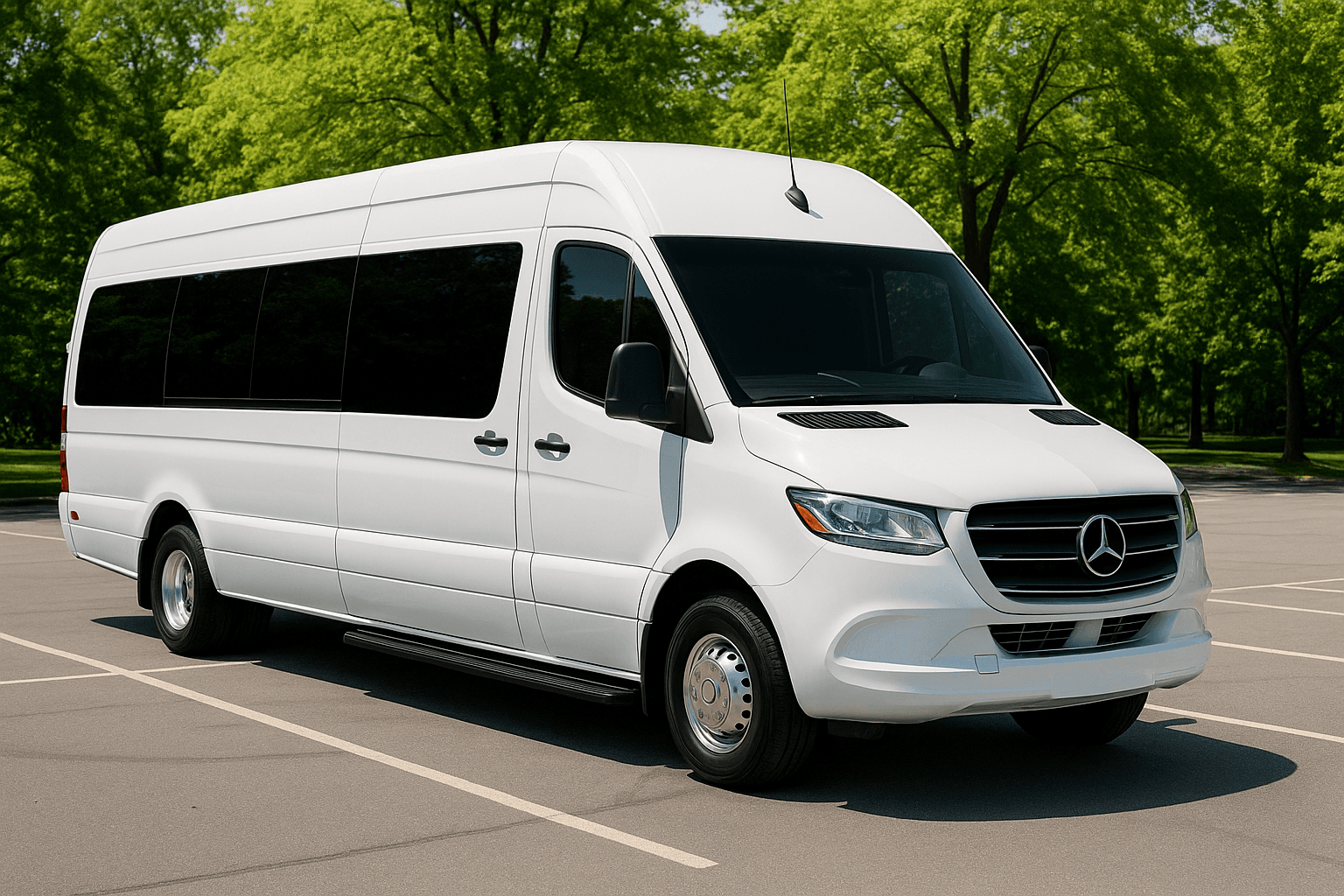
Representative executive sprinter exterior for smaller group travel
Sprinter category
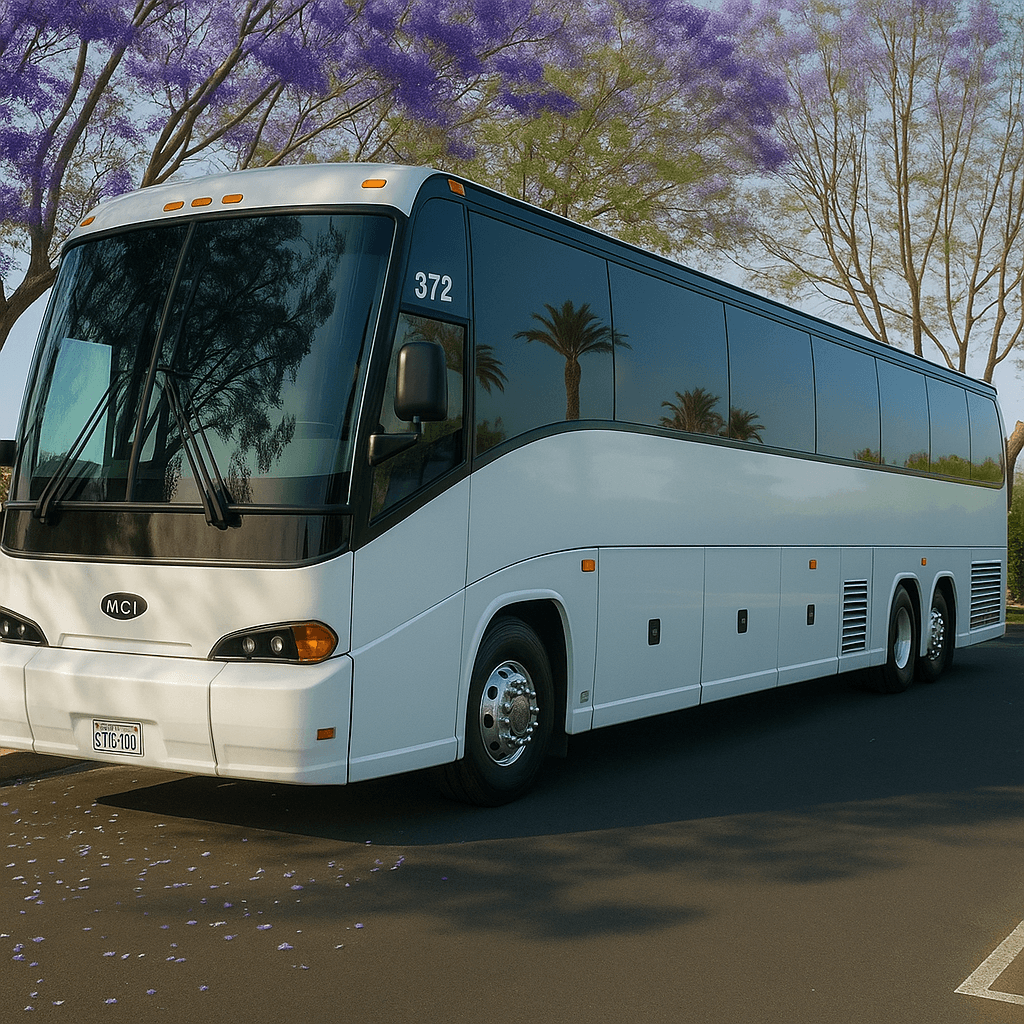
Representative full-size coach bus exterior for large group transportation
Coach bus category

Seating Map Visualizer: What to Know

Representative seating maps help customers understand layout differences between limos, party buses, sprinters, minibuses, and coach buses.

A representative map is not a guarantee of the exact vehicle. Operators configure vehicles differently, and seating can vary even within the same category.

If layout matters for photos, formalwear, accessibility, or group flow, ask for specific layout confirmation in the written quote.

Who Should Use the Seating Map Visualizer?

The Seating Map Visualizer is designed for groups trying to understand representative seating arrangements before asking for exact vehicle photos or diagrams. It is especially useful when conversation layout, forward-facing seats, aisle access, boarding, or group separation influences the category choice. It gives the organizer a structured way to prepare a decision before speaking with a live agent. That preparation can make the quote review more useful because the group arrives with consistent assumptions instead of several conflicting versions of the trip.

Inputs to Gather Before You Start

Select the relevant vehicle category and compare the displayed layout with passenger count, luggage, mobility devices, child-seat questions, service animals, formalwear, and desired personal space. Note which layout features are mandatory. Accurate inputs matter more than optimistic inputs. If a detail is unknown, record it as an open question instead of selecting an answer merely to produce a preferred result.

How to Read the Result

The visualizer explains common arrangements and helps the organizer prepare exact questions. It does not show the unit assigned to a trip. Use the diagram to communicate preferences, then request written confirmation or current photos when layout matters. Save the assumptions with the result so another planner or a live agent can understand how it was produced. If the assumptions change, run the tool again rather than treating the first output as permanent.

Limitations and Live Confirmation

Manufacturers and operators configure vehicles differently, and seats or amenities may change. The diagram is not a legal capacity certificate, accessibility specification, emergency map, or promise of inventory. Tool output is planning guidance only. It is not a reservation, contract, dispatch instruction, legal opinion, availability check, or final transportation quote.

A Common Mistake to Avoid

Treating the representative diagram as the exact seating chart for the assigned vehicle, then being surprised by a different configuration or aisle layout on the day of the trip.

What to Do Next

Ask the live agent to confirm the assigned category, legal capacity, seating arrangement, entry, luggage, accessibility needs, and substitution policy before signing.

Seating Map Visualizer FAQs

Is the Seating Map Visualizer a confirmed quote or reservation?

No. The result helps prepare or compare trip details. It does not check live vehicle inventory, reserve transportation, charge a card, submit a lead, or replace the final written quote and agreement.

What information makes the Seating Map Visualizer more useful?

Use confirmed information wherever possible and keep uncertain items visible. For this tool, the most important preparation is: Select the relevant vehicle category and compare the displayed layout with passenger count, luggage, mobility devices, child-seat questions, service animals, formalwear, and desired personal space. Note which layout features are mandatory.

What should I do after receiving a result?

Ask the live agent to confirm the assigned category, legal capacity, seating arrangement, entry, luggage, accessibility needs, and substitution policy before signing. A live review should confirm the actual date, route, passenger count, vehicle category, price, included items, exceptions, policies, and booking steps.

Need Personalized Help?

Our reservation specialists use the same data behind these tools — plus years of experience. Get a free, no-obligation quote for your event.

Call or request a written quote • Support available for booking questions